
Ask AwraIQ about features, pricing, onboarding, login, integrations, security, demos, mobile apps, automation, reports, or support.
All industry pages
Service-ready stock
Control fast consumption, vendor reliability, and location availability.
Hospitality and food supply teams use AWRA to track consumables, replenishment, vendor orders, transfers, and branch-level reporting.
Inventory software for hospitality
The problem
Kitchens and outlets consume stock faster than anyone can count it, and the gap between what was issued and what was used is where the margin goes.
Issue-outs nobody reconciles
The central store issues to the kitchen and the bar, and usage is never compared with it.
Suppliers who deliver short
A short or late delivery is accepted at the back door because nobody checks it against the order.
Prices that creep
The same item costs more every month and nobody notices until the margin does.
How AWRA solves it
What Hospitality & Food Supply teams get.
Property and kitchen requests become tickets with a category SLA, a department queue and a rating once the work is done.
Catch thin-margin and below-cost lines on the Anomaly Radar before a season of orders locks the price in.
Avoid service disruption caused by stockouts in high-consumption supplies.
Track supplier lead time, fulfillment quality, and purchase commitments.
Balance stock across kitchens, stores, outlets, and branches.
Roster kitchen and floor staff against covers, and let attendance rather than memory drive the payroll run.
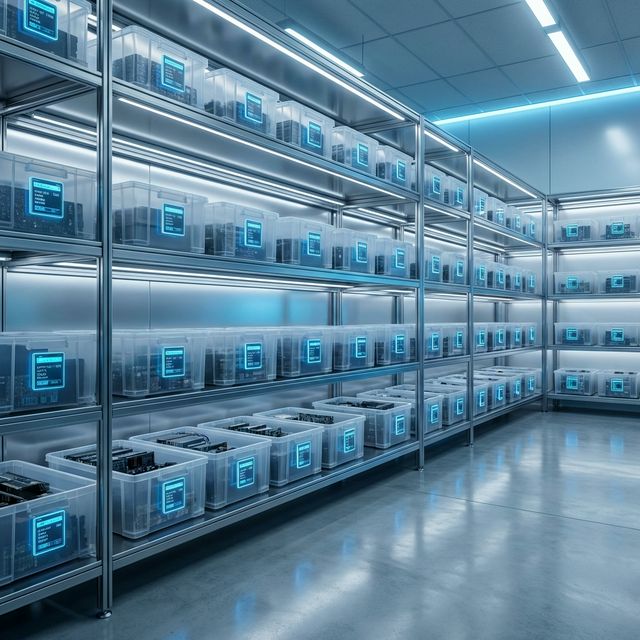
Consumable tracking
Monitor high-turnover supplies and reorder exposure.
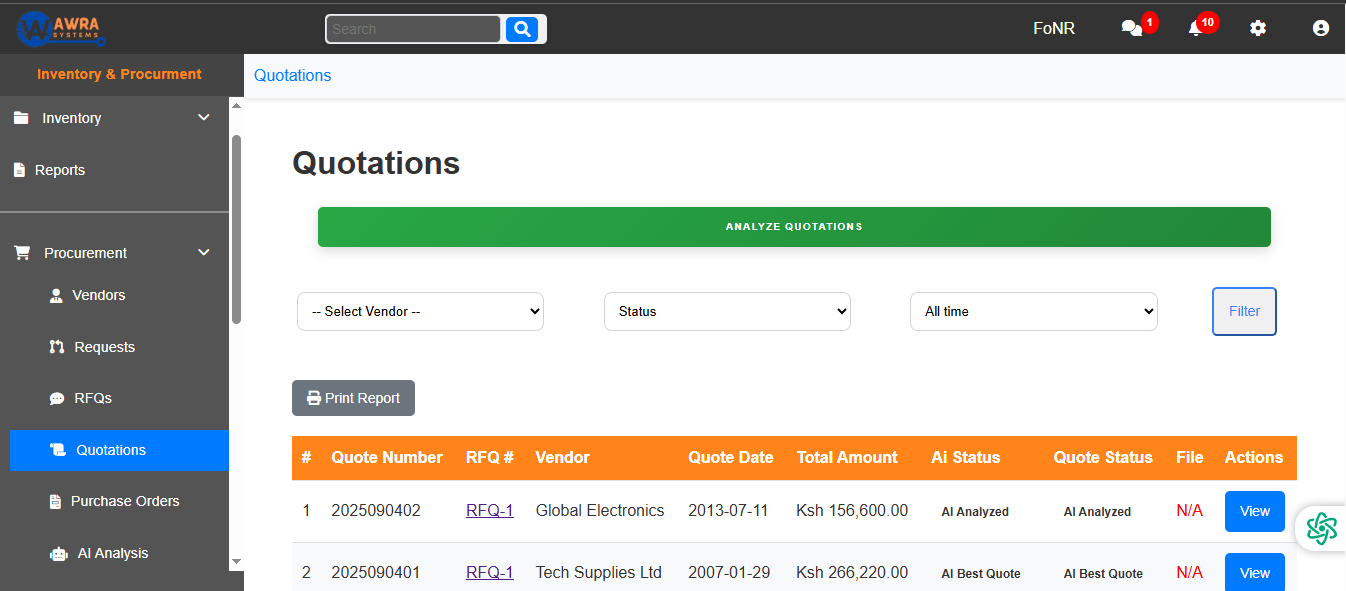
Supplier flow
Move from request to PO with vendor context.
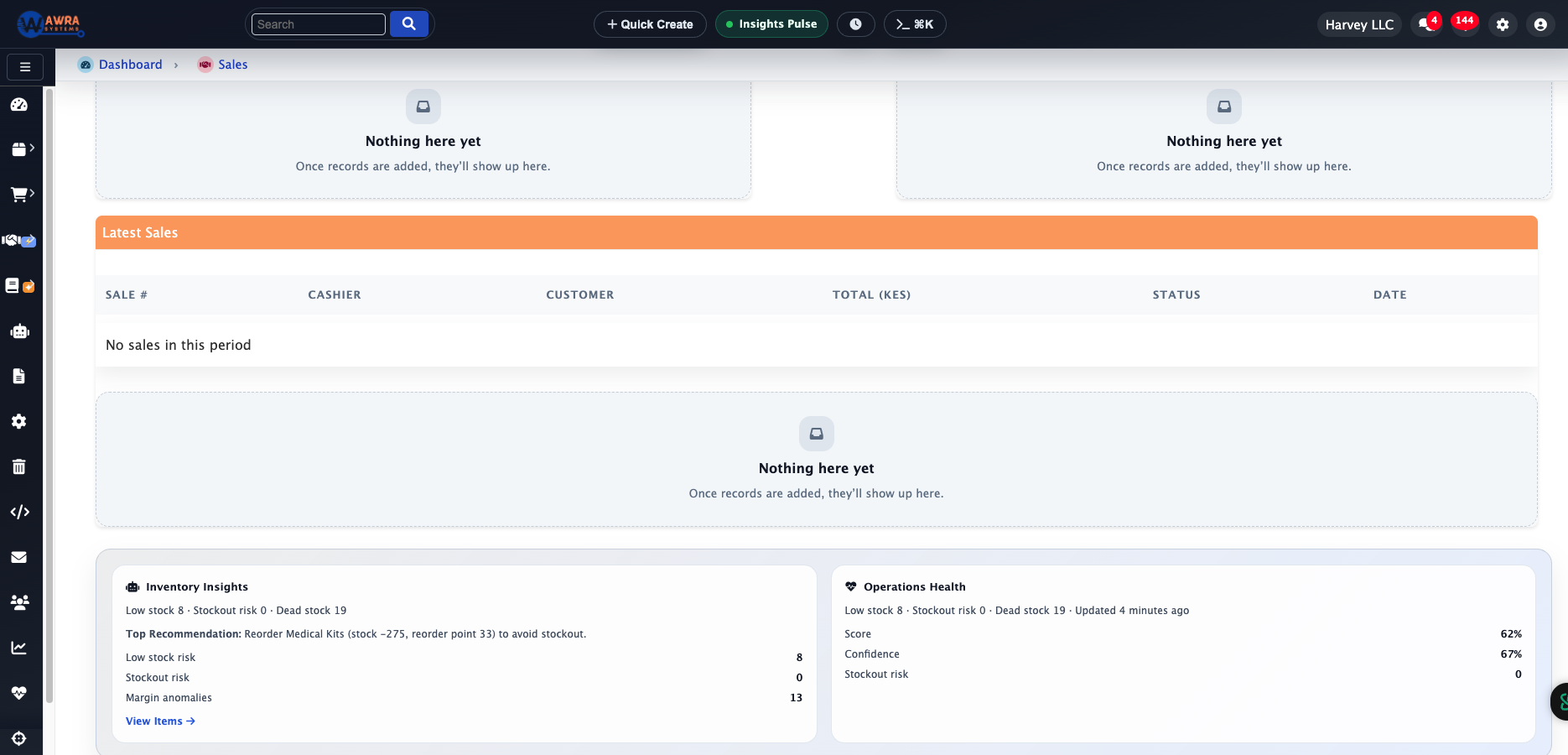
Performance signals
Review branch demand and item movement trends.
Typical workflow
The routines AWRA runs for Hospitality & Food Supply.
Consumption-led reorder
- 1 Review usage trends
- 2 Check current stock by store
- 3 Generate reorder request
- 4 Approve PO and receive goods
Outlet stock issue
- 1 Request supplies by outlet
- 2 Approve issue-out
- 3 Deduct central store stock
- 4 Review usage variance
Supplier reliability check
- 1 Compare delivery timeliness
- 2 Review price changes
- 3 Track rejected/short deliveries
- 4 Update preferred vendors
Modules used
What a hospitality & food supply workspace runs on.
Inventory Management Central and outlet stores with issue-outs See the module Procurement Automation Reorders through to purchase orders and receiving See the module Supplier Performance Supplier lead time and price changes measured See the module Point of Sale Counter sales tied to outlet stock See the module
Example organisation
A three-property hotel group
An illustrative profile, not a named customer
Where they are today
A central store supplying three kitchens and two bars, with supplier deliveries checked against a printed order when somebody remembers.
Where they would start
They would start with the central store and outlet issue-outs, then put receiving against purchase orders.
What changes after implementation
Before and after, in the routines you already run.
| Before | After |
|---|---|
| Issue-outs on a clipboard | Issue-outs recorded per outlet |
| Short deliveries accepted | Receiving against the order, over-receipt refused |
| Price creep unnoticed | Supplier prices and lead times measured over time |
| Reorders by phone | Reorders raised as requests and turned into orders |
How the rollout goes
1
Define units of measure carefully for items sold, consumed, purchased, and transferred in different pack sizes.
2
Start with the highest-consumption categories before expanding into full purchasing controls.
3
Use branch/location reporting to tune minimum stock levels seasonally.
What you can measure afterwards
Consumption trend
Stock cover days
Supplier lead time
Issue-out variance
Branch availability
Pricing
What it costs for Hospitality & Food Supply
Stores, transfers and counts are fully on Basic. Full procurement, order tracking and POS counters are on Pro.
Pro plan · Run on automation
KES 5,800 / month
or KES 63,800 billed yearly
Full procurement, sales, accounting and HR (employees, leave, attendance & payroll) plus workflow automation and reporting.
Before you pay anything
30-day free trial
Thirty days of the full platform, every module switched on and no card required. Choose a paid tier whenever you are ready.
See it on your process
Walk through a hospitality & food supply workspace with us.
Bring the spreadsheet or the paper form you want to retire. We will show you the first workflow in AWRA with your own items, people and locations.
Questions
What Hospitality & Food Supply buyers ask.
Can we issue stock from a central store to outlets?
Yes. Outlets request supplies, the issue-out is approved and deducted from the central store, and usage can be reviewed per outlet.
Can we check deliveries against the order?
Yes. Goods are received against the purchase order, and more than was ordered is blocked rather than quietly accepted.
Do you track supplier performance?
Delivery time, quality and price stability are measured per vendor, so the data is there when you choose who to order from next.
Can AWRA cost recipes and menus?
Recipe and menu costing is an extension we can build for your workspace. Out of the box, AWRA covers the stock, the purchasing and the counter sales around the kitchen.
Customer story
Speak to someone who runs it.
We publish a named story only with that organisation’s consent. Ask us and we will put you in touch with a hospitality & food supply reference you can telephone, rather than a quote you cannot check.
Ask for a referenceNext-best links
Keep the evaluation moving.
Guides, pricing and support surfaces most relevant to Hospitality & Food Supply.
Related industries
Compare adjacent operating models.
Retail
AWRA OpsHub connects POS, stock movement, replenishment, cash sessions, and branch reporting for retail operators.
Healthcare
Healthcare teams use AWRA to monitor critical consumables, control purchasing, receive supplies, and report availability by location.
FMCG Distribution
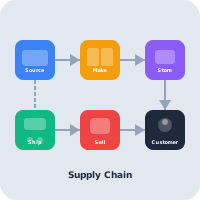
AWRA helps FMCG distributors manage item velocity, warehouse stock, vendor lead times, branch replenishment, and sales performance.
Help Center
Need a quick answer while you read?
Run inventory, procurement, assets, sales, and field work with approved AWRA guidance for setup, migration, integrations, security, pricing, and support.