
Ask AwraIQ about features, pricing, onboarding, login, integrations, security, demos, mobile apps, automation, reports, or support.
Role-based solutions
Operational pages for every team that keeps the business moving.
Each page maps AWRA OpsHub to the workflows, controls, metrics, and implementation resources that matter to a specific buyer or operating team.

Choose a path
Start with the team, then follow the workflow.
These pages are designed for buyer conversations, implementation planning, and public assistant grounding.
Owners
AWRA OpsHub helps owners see cash, stock, purchasing, sales, and risk without waiting for end-of-week reports.
Control Tower Anomaly Radar Approvals Hub
Open solution

Finance Teams
Finance teams use AWRA to connect invoices, receipts, stock value, purchase commitments, and reporting without chasing every department.
Accounting Automation Control Tower Anomaly Radar
Open solution
Procurement Teams
Procurement teams standardize requests, approvals, RFQs, vendor scoring, purchase orders, and receiving in one workflow.
Procurement Automation Approvals Hub Control Tower
Open solution
Warehouse Teams
Warehouse teams use AWRA to control receiving, slotting, transfers, counts, scanner workflows, and exception approvals.
Warehouse Management Scan & Act Stock Transfers
Open solution

Retail Teams
Retail teams use AWRA to keep counters selling, branches stocked, margins visible, and cash sessions controlled.
Point of Sale Sales Management Inventory
Open solution

NGOs
NGOs use AWRA to manage stock, requests, procurement, assets, approvals, and reporting across programs and locations.
Inventory Procurement Approvals Hub
Open solution

Schools
Schools use AWRA to manage stores, departmental requests, procurement approvals, vendor records, and finance visibility.
Inventory Procurement Vendor Portal
Open solution
Healthcare
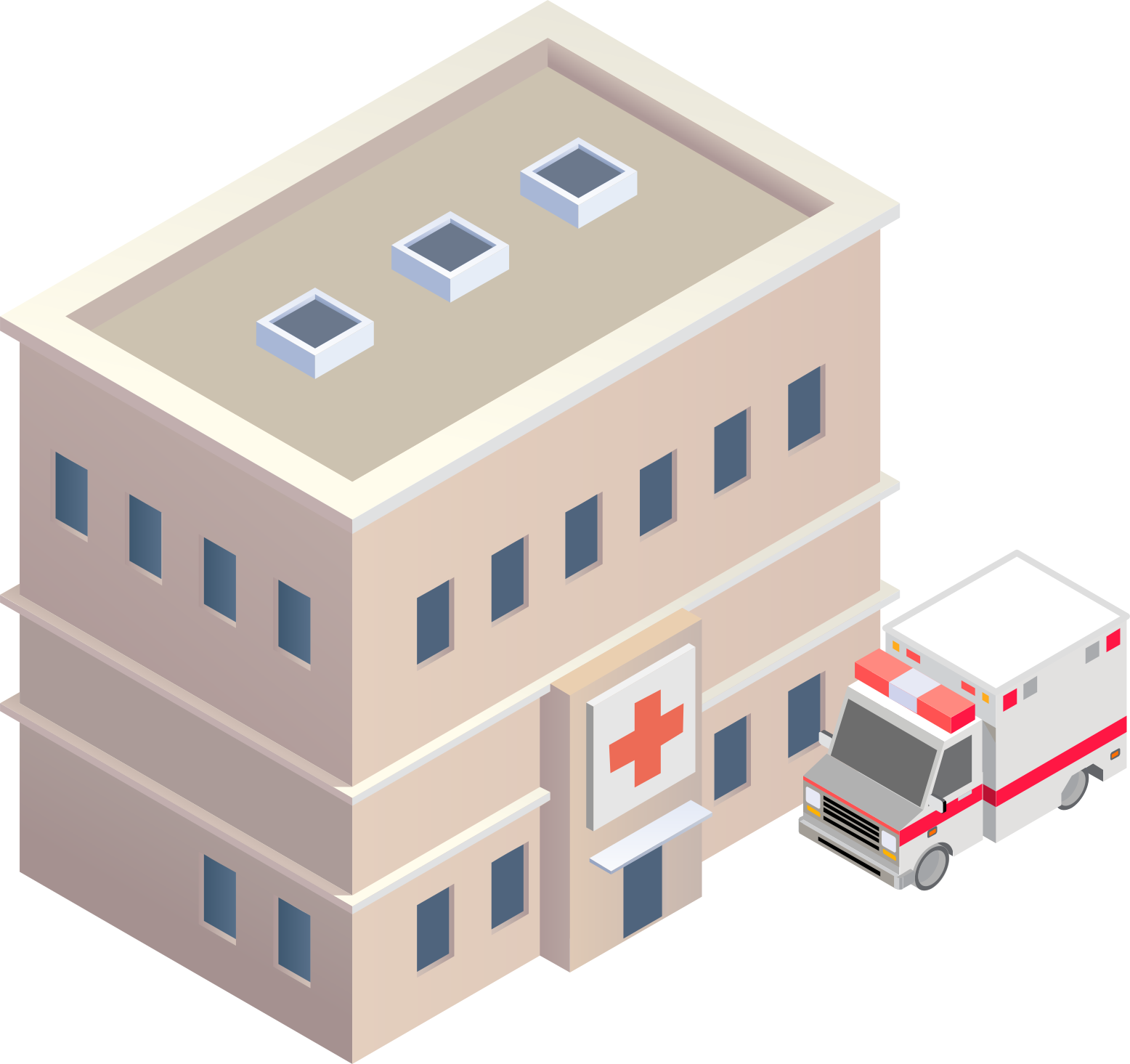
Healthcare teams use AWRA to track supplies, consumables, procurement, approvals, and location-level availability.
Inventory Procurement Transfers
Open solution
Multi-location Operators
Multi-location operators use AWRA to standardize catalogs, stock movement, replenishment, approvals, and branch performance.
Location Intelligence Control Tower Transfers
Open solution
Operations Leaders
Operations leaders and COOs use AWRA to run the day from one picture: stock risk, delayed orders, approvals waiting, overdue tasks, open tickets and who is on leave, across every site.
Control Tower Approvals Hub Smart Alerts
Open solution

HR & Payroll Teams
HR and payroll teams use AWRA to hold contracts, leave, attendance, shifts and payroll on one employee record — for the staff who log in and the many who never will.
Employees & Contracts Leave Attendance & Shifts
Open solution
Accountants & Auditors
External accountants and auditors work inside a client’s AWRA workspace to read the ledger, the trial balance and the statements, and to read each entry beside the reference and stock movement that produced it.
General Ledger Trial Balance Financial Statements
Open solution
By company size
Or start with where your business is today.
Small and growing, scaling across locations, or enterprise — see how AWRA fits each stage.
Micro & Owner-Run Business
1–5 people · owner-operated · one site
For the owner who serves at the counter and does the books at night: a till that moves stock, a stock list you can trust, and invoices for the customers who buy on account.
View solutionSmall & Growing Business
5–50 people · one or a few locations
Replace the spreadsheets and disconnected apps with one affordable system for inventory, sales, POS, and buying.
View solutionScaling & Multi-Location
50–500 people · multiple branches or warehouses
Connect branches and warehouses, enforce approvals, and give leadership reporting they can trust — without enterprise overhead.
View solutionEnterprise & Complex Operations
500+ people · many locations · strict governance
Strict governance, audit trails, segregation of duties, security, and integrations for complex, multi-entity operations.
View solutionBuyer-ready messaging
Every page includes pain points, outcomes, operating workflows, metrics, and next-best resources.
Assistant-friendly context
The public assistant can use the page title, path, and role-specific content to score answers more accurately.
Enterprise handoff paths
Each page links into implementation, pricing, help center, and team contact flows for qualified follow-up.
Help Center
Need a quick answer while you read?
Run inventory, procurement, assets, sales, and field work with approved AWRA guidance for setup, migration, integrations, security, pricing, and support.