One copilot rides along the public site; the other lives inside your workspace. Both answer from AWRA's own knowledge and point you to the exact page you need — and the in-app one also answers questions about your own data, under your permissions, with figures no AI model has touched.
Grounded on AWRA's own answers · Your data under your permissions · Deep-links you into the product · Escalates to a human
AwraIQPublic site
AWRA AssistantIn the app
Do you integrate with QuickBooks and KRA eTIMS?
AwraIQHigh confidence
Yes — AWRA connects to QuickBooks Online and supports KRA eTIMS. The Connectors directory shows what's live, planned or on the roadmap. Exact requirements can depend on your setup, so confirm scope with the team.
Connectors eTIMS & Tax
Do you support M-Pesa?Book a demoIs my data secure?
Grounded on AWRA's own knowledge — it won't invent an answer
2 copilotsone for the public site, one inside your workspace
0 made-up factscurated knowledge, or figures read straight from your workspace
Your permissionsdata answers only where your role already sees the figure
Human handoffknows when to pass you to a real person
The idea
Most AI chat is confidently wrong. This one would rather point you to the truth.
A support bot that invents a feature you don't have, or quotes a price that isn't real, does more damage than no bot at all. It erodes trust at exactly the moment someone is deciding whether to rely on you. So the AWRA assistants are built the other way around: instead of generating plausible-sounding text, they find the right answer in AWRA's own knowledge and hand it to you, with the page to prove it.
They understand what you typed — expanding synonyms and fixing common misspellings — then match it to curated answers and indexed help content, score how confident they are, and respond accordingly. High confidence gets a direct answer. Lower confidence points you to a resource. And when it's genuinely a question for a person, they say so and connect you. An assistant that knows the limits of what it knows is worth far more than one that pretends it has none.
Meet the two
Same principles. Two very different jobs.
AwraIQPublic website copilot
The assistant for anyone exploring AWRA. It searches the site's indexed knowledge first, then falls back to curated intents — so a visitor can ask about the product in plain language and get a real, sourced answer.
Answers product, security, onboarding, integrations and use-case questions
Deep-links to the exact feature and resource pages
Offers suggested follow-up questions to keep exploring
Captures your details and hands you to the team — with a WhatsApp shortcut
Persona “AwraIQ” · lives on every public page
AWRA AssistantIn-app copilot
The concierge for logged-in teams. Ask how to do something and it explains the first steps, then drops you straight onto the right screen. Ask for a number and it reads it from your workspace. It even knows the page you're on and tailors its suggestions to it.
Explains how to complete common tasks across every module
Deep-links you into the exact in-app page to act
Aware of where you are — boosts answers relevant to your screen
Answers everyday questions from your own data — approvals waiting, low stock, overdue invoices, till sales, late orders, your tasks, tickets and alerts — under your own permissions, never reworded by an AI model
Never acts for you — it reads and guides, you decide
Persona “AWRA Assistant” · launcher “Ask AWRA” · signed-in users Get access
Ask about your own numbers
The in-app assistant reads your workspace — and keeps the AI away from the figures.
Ask “what’s low on stock?” or “sales this week?” and the AWRA Assistant answers from your own records, not from a help page. Three rules hold for every one of those answers, and they are why you can repeat the number in a meeting.
1
Your permissions first
Each question is tied to the access that shows the same figure on screen. Without it, the assistant says your role does not include it and reads nothing — it is never a way round a role.
2
No AI in the loop
The figure is the query result, worded by a fixed template. It is never passed to a language model, because a model asked to restate a count can round it, reword it or invent one.
3
Currencies are never added together
A money total is given in your largest currency, with the rest disclosed beside it — never converted and summed into a figure nobody can check.
AwraIQPublic site
AWRA AssistantIn the app
Which invoices are overdue?
AWRA AssistantFrom your data
12 customer invoices are overdue, totalling KES 1,486,200 (USD 3,150 not included in that figure). The oldest has been due for 47 days.
Customer invoices
Sales this week?
AWRA AssistantAccess needed
Your role does not include access to POS sales, so I cannot read that for you. An administrator can grant it under Roles & Permissions.
Read under your own permissions · never reworded by an AI model
The questions it answers from your data
Ask something like
It reads
You need
“What needs approval?”
Every pending item in the approvals inbox, by module
Dashboard access
“What’s low on stock?”
Items at or below their reorder point
Access to items
“How many safety boots do we have?”
The stock of the items matching that name
Access to items
“Which invoices are overdue?”
Overdue customer invoices, the total and the oldest
Access to invoices
“Sales today?” / “this week?” / “this month?”
Till sales for the period, and says it excludes invoiced sales
Access to POS
“Any late purchase orders?”
Open orders past their delivery date, with supplier
Access to purchase orders
“What are my tasks?”
Your own open tasks, overdue and due today
Nothing extra — they are yours
“Open tickets?”
Tickets assigned to you; the whole queue if you can see all tickets
Your own tickets need nothing
“Any alerts?”
Active Smart Alerts with their owner or acknowledgement
Dashboard access
Asked “how do I…”, the assistant still explains the steps and deep-links you to the screen — a how-to question goes to the guide, not to the data. It reads and never changes anything, and links it shows you are filtered to the screens your role can open.
One grounded brain
How a question becomes a trustworthy answer.
Every message runs the same disciplined path — understanding, grounding, scoring, answering, and escalating when needed.
1
Understand
Your question is normalised, synonym-expanded and de-typoed so “costings” or “patner” still land on the right topic.
2
Ground
It searches AWRA's own indexed knowledge and curated intents to find the best-matching real answer.
3
Score
A confidence score decides whether to answer directly, merely suggest a resource, or hand off.
4
Answer
You get the curated answer plus deep links to the exact page — optionally AI-polished, always grounded. A figure from your data is never polished.
5
Escalate
Unsure or sensitive? It routes you to a human — a lead handoff on the site, WhatsApp in the app.
The one rule the AI layer cannot break
When the optional AI language layer is switched on, it works under a strict instruction: answer using only the provided snippets — do not invent features, pricing or claims. It can make a grounded answer read more naturally, but it cannot manufacture facts. If every model is disabled or unavailable, the assistant simply serves the curated answer as-is. And an answer built from your own data never reaches the AI layer at all. Grounded first, polished second — never the other way around.
Honest by design
It tells you how sure it is — and stays in its lane.
High confidence
A strong match — the assistant answers you directly, with sources.
Suggested resource
A partial match — it points you to the most relevant page to read.
Human follow-up
Not confident enough — it recommends connecting you with a person.
Safe boundaries on the topics that matter
Some questions shouldn't get a breezy bot answer. On these, AwraIQ deliberately gives careful guidance and steers you to the team instead of overpromising:
AwraIQ indexes the public site — features, docs, academy and blog — and searches it to answer from the real thing.
02
Deep links
Answers come with links straight to the relevant page — a feature page on the site, or a module screen in the app.
03
Suggested questions
Each reply offers smart follow-ups, so people discover what to ask next instead of staring at a blank box.
04
Context-aware in-app
The AWRA Assistant reads the page you're on and boosts answers relevant to it — help that fits where you are.
05
Human handoff
On the site it captures your details into a lead form; in the app it offers a WhatsApp shortcut to support.
06
Rate-limited & logged
Both assistants are throttled and log each turn — intent, confidence and outcome — so the experience keeps improving.
07
Optional AI polish
When enabled, a grounded language layer rephrases answers for clarity — strictly from AWRA's own content.
08
Data-safe
The in-app assistant reads only what your own role can already see, refuses where you lack access, never sends a figure to a language model, and takes no actions.
09
WhatsApp shortcut
Prefer a person? A WhatsApp quick-contact is one tap away from either assistant.
Not to be confused with
The assistants help you ask. Awra Insights analyses your data.
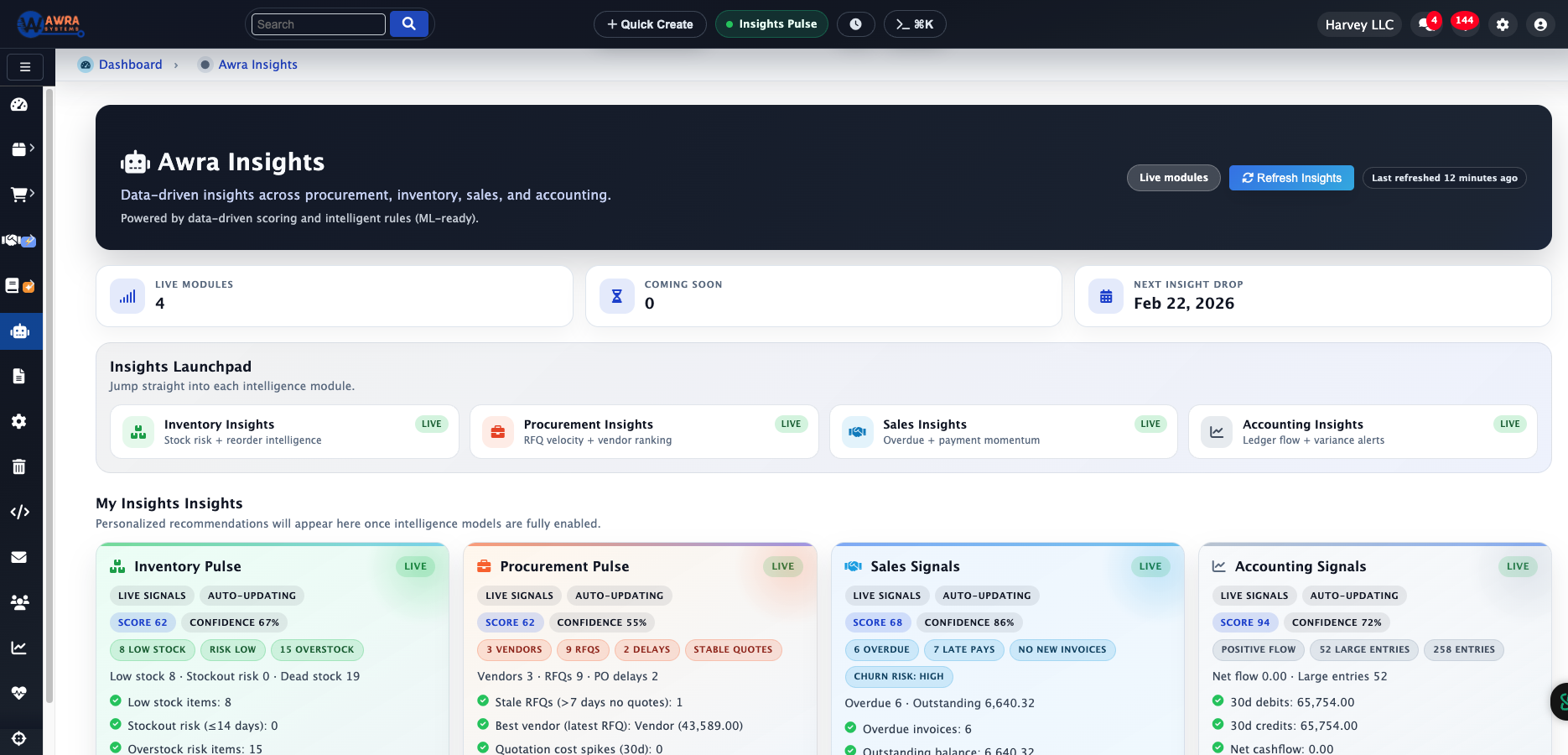
Awra Insights — a separate analytics & forecasting layer that summarises your own operational data.
Awra Insights is a different feature to the assistants on this page. Where the copilots answer questions and point you around, Awra Insights analyses your live inventory, procurement, sales, accounting, HR and project data to produce narrative summaries, forecasts and smart alerts.
They complement each other: the assistants help you find and reach things; Insights tells you what your numbers are doing. Both wear the AWRA badge, but they're built for different jobs.
No. The assistants are grounded on AWRA's own knowledge and curated answers — not a general-purpose chatbot. They won't invent features, pricing or claims. An optional AI language layer can rephrase answers for clarity, but only from AWRA's own content, never to generate new facts.
What's the difference between AwraIQ and the AWRA Assistant?
AwraIQ is the public copilot on the website, answering visitor questions and capturing leads. The AWRA Assistant is the in-app copilot for logged-in users, explaining how to do tasks and deep-linking into the right module.
Does the in-app assistant read or change my data?
It reads, and never changes. For a fixed set of questions — pending approvals, low stock, a named item’s stock, overdue invoices, till sales, late purchase orders, your open tasks and tickets, active Smart Alerts, and how much of your plan is in use — it reads the figure from your workspace under your own permissions, and says so if you lack access. It never sends those figures to a language model, and it takes no actions for you — you always stay in control.
Can the assistant show me figures my role cannot see?
No. Each data question is tied to the access that shows the same figure on screen. Without it the assistant says your role does not include that access and reads nothing, and the links it offers are limited to screens you can open.
What happens when it can't answer?
It's honest about it. On the website it captures your details and hands you to the team (with a WhatsApp shortcut); in the app it points you to WhatsApp support. It escalates rather than guessing.
Do assistant answers count against my plan’s AI requests?
Only answers written by the AI language layer count against the AI requests a month your plan includes. Figures read from your data and curated answers do not. When the month’s requests are used up, the assistant keeps answering from curated knowledge until the 1st, and an admin can add packs of 500 requests.
How does it handle pricing or legal questions?
Those topics have safe boundaries. Instead of committing to figures or terms, the assistant gives careful guidance and directs you to the team, so nothing is over-promised.
Is it the same as Awra Insights?
No. Awra Insights is a separate analytics and forecasting feature that summarises your own operational data. The AI Assistants are conversational helpers for finding answers and getting around the product.
Help that tells the truth
Don't take our word for it — ask the assistant.
AwraIQ is live on this page right now. Ask it about pricing, security, integrations or a demo, and see a grounded, honest answer for yourself.
We use necessary cookies for secure sessions. With your permission, we also use cookies and browser storage for preferences, analytics, and demo engagement. Privacy Policy
AWRA OpsHub
Cookie settings
Cookie Consent Manager
Necessary cookies stay on for login, CSRF protection, and security. You can choose the optional categories below.
Overview
General Information
AWRA uses cookies and browser storage to keep public pages secure, remember selected preferences, measure website performance, and manage demo engagement prompts.
You can choose whether functional and marketing engagement storage apply. Analytics measurement is always active in this AWRA setup.
These settings apply to AWRA public website experiences such as the homepage, feature pages, pricing calculator, blog, help center, and request-demo page. Authenticated dashboard and vendor portal sessions still rely on required security cookies.
Required
Always active
Functional
Optional
Analytics
Always active
Marketing
Optional
For more context on privacy handling, open the Privacy Policy.
Required Cookies
Required Cookies
Always Active
Required cookies and storage support basic website delivery, secure sessions, request protection, and remembering the consent choice itself.
These cannot be switched off from this manager because disabling them would break login/session behavior, form protection, or the ability to remember the privacy choice you save.
Cookie details
Session security: keeps secure server sessions working while browsing AWRA.
CSRF protection: helps verify form submissions and protect requests.
Consent record: stores the preference decision so the banner does not keep asking after a choice is saved.
Examples: Laravel session cookies, CSRF tokens, and the AWRA consent preference record.
Duration: session security can expire with the browser/session; saved consent can last longer so the same browser remembers the choice.
Functional Cookies
Functional Cookies
Functional storage improves the public website experience by remembering interface choices, helper states, dismissed notices, and short-lived interaction preferences.
Turning this off does not stop secure required cookies or analytics. It only limits optional convenience memory.
If disabled, AWRA may show some helper prompts again or forget non-essential display choices. Core public pages, contact forms, and request-demo forms still work.
Cookie details
UI preferences: remembered display choices and helper states where available.
Dismissed notices: session-level or preference-level memory for notices the visitor has closed.
Frequency helpers: optional browser storage that prevents repeated prompts when allowed.
Examples: localStorage or sessionStorage values for dismissed banners, guide/helper states, and lightweight public-page preferences.
Effect when off: AWRA avoids optional convenience memory unless it is also allowed through marketing and engagement preferences.
Analytics Cookies
Analytics Cookies
Always Active
Analytics helps AWRA understand public page performance, traffic patterns, and content usefulness so we can improve the marketing website.
This category does not by itself enable demo popups, exit-intent prompts, or advertising pixels. Those are controlled by Marketing & engagement.
In this AWRA setup, Google Analytics and Google Tag Manager measurement are treated as mandatory website measurement and remain active.
Cookie details
Google Analytics / GTM: measures aggregate traffic and page activity.
Performance insight: helps identify which public pages, docs, and demo paths visitors use.
Operational signal: supports website quality decisions without enabling demo popups by itself.
Examples: Google measurement identifiers such as GA/GTM tags and related browser identifiers set by Google scripts.
Use: page views, source/referrer trends, public content performance, and product education page effectiveness.
Marketing & engagement
Marketing & engagement
Marketing and engagement storage supports demo prompts, exit-intent prompts, campaign attribution, and future advertising pixels.
When disabled, AWRA will not auto-open demo or exit-intent popups. CTA buttons can still open a form because that is a direct visitor action.
When enabled, AWRA can remember that a visitor already saw, dismissed, or submitted a demo prompt so the same popup is not repeated aggressively.
Cookie details
Demo prompt memory: tracks whether an auto prompt or exit prompt was recently dismissed.
Demo submission memory: avoids asking again after a visitor submits a demo request.
Campaign context: keeps source page, referrer, and UTM context available for demo requests.
Examples: popup frequency caps, demo-submitted flags, engagement source fields, and UTM/referrer context.
Effect when off: auto demo prompts and exit-intent prompts stay blocked; normal navigation and manually clicked CTA buttons still work.