
With spreadsheets
Inventory
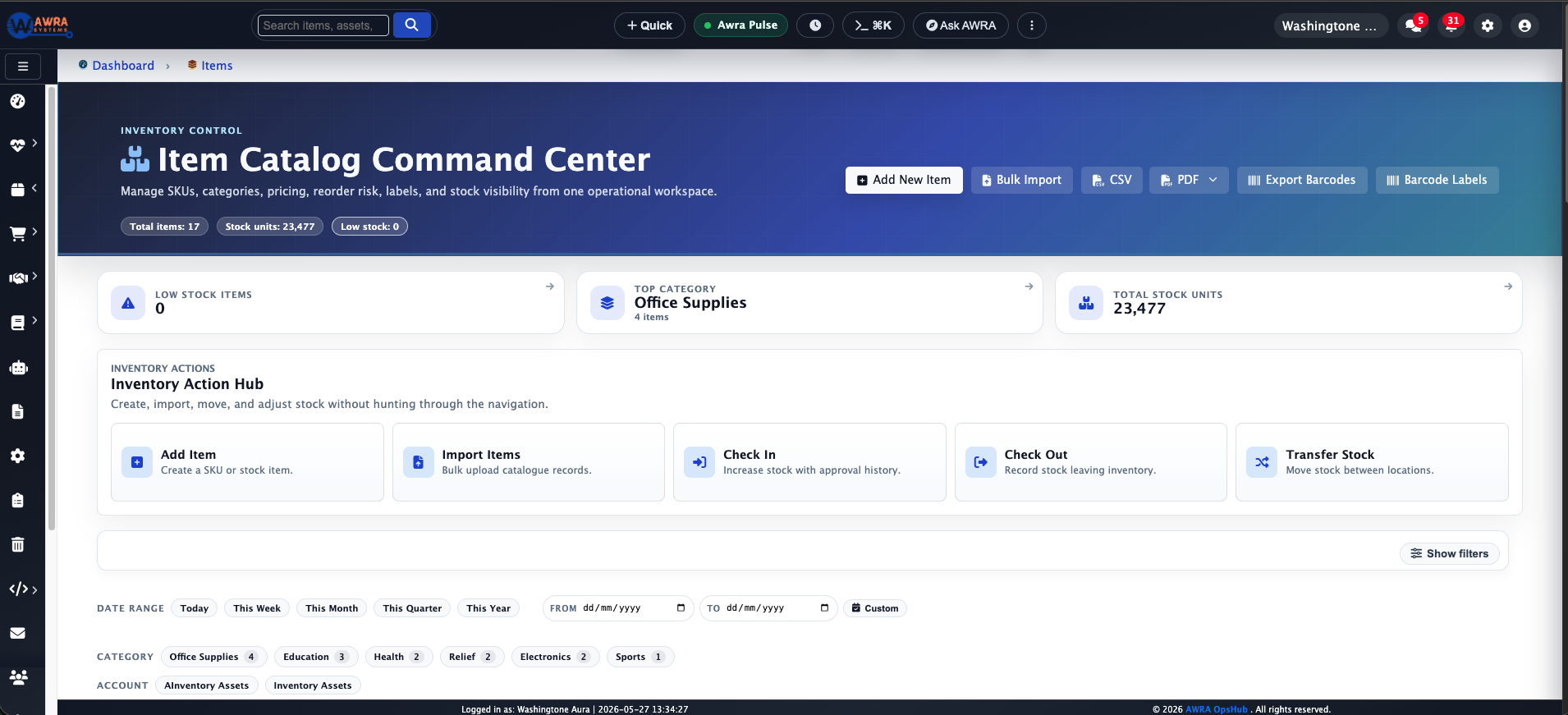
Multiple stock sheets, copied item names, and missing movement history.
With AWRA
Inventory
Centralize item records, locations, adjustments, and low-stock signals.
AWRA OpsHub vs spreadsheets
A spreadsheet helps one person organize work quickly. But operations are rarely one-person work: inventory involves warehouse staff, managers, procurement, finance, and sales. As soon as several people depend on the same workbook, the risk changes — someone edits the wrong cell, a formula breaks quietly, or a duplicate file becomes the "real" file.
We do not replace spreadsheets because they are bad. We replace the operational workload they were never meant to carry alone: controlled workflows, role-aware access, movement history, approvals, and reports that do not depend on one person maintaining the perfect file.
The real issue
Spreadsheets are excellent calculators and a great way to start. They become fragile the moment several teams depend on the same file for inventory, buying, sales, and reporting.
The question is not whether your team can make spreadsheets work today. It is whether that approach keeps up when operations need control, accountability, and workflow continuity across more people, locations, and decisions.
Side-by-side comparison
Every row is rated fully supported, partial/add-on, or not designed for — including where spreadsheets are genuinely strong. This describes the category in general, not any single product.
Manual counts, formulas, and version control let stock records drift.
Live item records, movements, adjustments, and locations stay connected.
Requests, quotes, and approvals scatter across tabs, email, and chat.
Requests, RFQs, vendors, approvals, and POs stay in one governed flow.
Availability disconnects from sales unless someone updates sheets constantly.
Sales and POS stay tied to inventory and downstream reporting.
Approvals are informal: a comment, a message, or a highlighted cell.
Approval paths attach to sensitive actions with clear responsibility.
Anyone with edit access can change formulas, records, or history.
Roles separate daily actions, review duties, and admin controls.
Reports depend on clean formulas and the one person who knows the file.
Dashboards read from live workflows, not hand-maintained tabs.
Complexity rises sharply with more users, locations, and products.
Built for growing teams that need connected operations and control.
A sheet cannot take a signature at a loading bay, and a paper note signed at the gate and filed later is not attached to anything.
A signature with the signer's printed name and the time, taken on a phone with no signal, stored on the movement and printed on the note.
Workflow examples
Benefits are clearest at the level of real workflows rather than abstract feature lists. These are common pain points with spreadsheets and what a connected operating system does instead.
Multiple stock sheets, copied item names, and missing movement history.
Centralize item records, locations, adjustments, and low-stock signals.
RFQs, quotes, and approvals spread across email, folders, and tabs.
Move requests, suppliers, quotes, and POs into one connected flow.
Teams rely on stale workbook copies before confirming availability.
Keep transactions close to live inventory and reporting.
Invoices, payments, and stock movements need manual reconciliation.
Give finance cleaner operational context before review.
The hidden cost
Operational gaps rarely announce themselves. They show up as small delays, quiet mismatches, late approvals, repeated reconciliations, and reports that need explaining before anyone trusts them.
Those problems consume management time. A controller waits for supporting records. A buyer confirms a decision manually. A warehouse team checks several places before releasing stock. Leadership delays a call because the numbers do not match. The cost is paid in friction, every week.
AWRA OpsHub reduces the time your team spends proving what happened — not just by automating tasks, but by keeping the operational record connected from the start.
Migration path
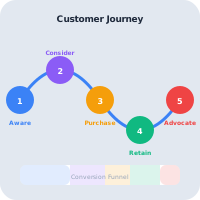
You do not need to change everything overnight. A practical rollout starts with the workflow carrying the most risk, proves it in AWRA, then expands from there.
Identify the workbook driving inventory, buying, finance, or leadership reports.
Separate operators, reviewers, finance, and administrators before migrating.
Move a single live workflow into AWRA and compare approval and audit clarity.
Keep spreadsheets as backup references, then phase them out as AWRA becomes the source of truth.
Common questions
No. We recommend a gradual move — keep spreadsheets where they are still useful for analysis and modelling, and stop using them as the source of truth for workflows that need ownership, approvals, and audit trails.
If one person owns the file, the workflow is simple, and mistakes are low-risk, a spreadsheet may be enough. Once multiple teams depend on the same records or approvals happen outside the file, it has likely outgrown its role.
Keep going
More comparisons
When finance is solid but operations still run on add-ons and manual updates.
When stock is handled but every neighbouring workflow is a separate app.
When you need ERP-grade control without an ERP-grade implementation.
When the bundle is broad but the workflow still falls between the apps.
When flexible boards are doing the job a real operations system should.
When the platform can do anything, but every "anything" is a project.
Help Center
Run inventory, procurement, assets, sales, and field work with approved AWRA guidance for setup, migration, integrations, security, pricing, and support.