
Budget Visibility
Track committed purchase-order spend and booked expenses against a budget, with what remains — by department and category.
Budget Controls
AWRA Budget Controls gives finance, procurement, and department owners a governed way to plan budget limits, check available spend, route exceptions, and keep every commitment tied to the accounting story.
Why this page matters
Many teams only discover budget pressure when invoices arrive, month-end reconciliation starts, or a finance lead asks why a department overspent. AWRA moves the budget conversation earlier. Purchase requests, approvals, vendor decisions, payments, and accounting sync can carry budget context while people still have time to choose, delay, approve, reject, or reallocate.
Track committed purchase-order spend and booked expenses against a budget, with what remains — by department and category.
See a budget warning at the moment an RFQ or quotation is approved, on top of procurement's enforced approval chain.
Show budget impact on requests, RFQs, awards, purchase orders, receiving, vendor bills, and payment decisions.
Keep decision history, override reasons, approvers, evidence, and accounting references attached to budget movement.
Controlled spend workflow
Budget control is strongest when it sits in the path of operational work. AWRA helps teams connect a request to its budget line, understand available balance, apply the right approval rule, and preserve the decision for finance review.
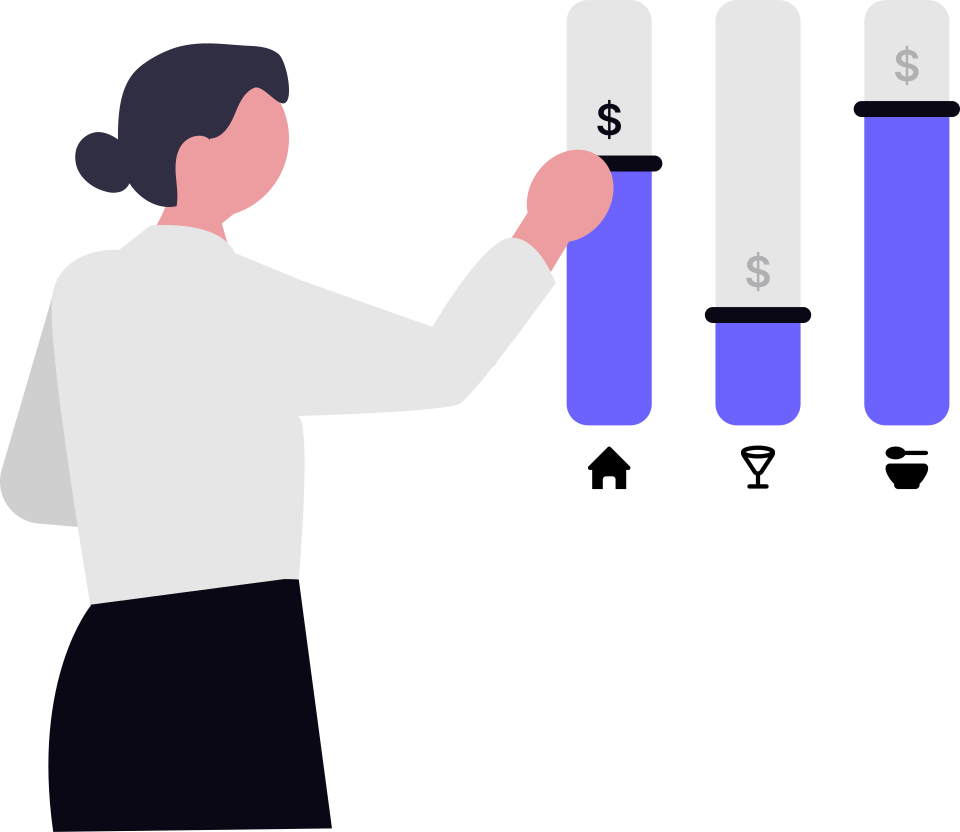
Set the department and spend category a budget line governs, over the period it covers.
Connect procurement requests, expense needs, vendor activity, and internal approvals to the relevant budget line.
Show committed spend and what remains, so the reviewer sees budget pressure before awarding a vendor.
Escalate overspend risk, high-value items, restricted categories, or sensitive vendor choices to the right approver.
Keep budget references, approval notes, purchase context, payment evidence, and sync status ready for finance review.
Enterprise control rules
A routine replenishment request should move quickly. A capital purchase, emergency vendor award, project overrun, or restricted category should not slide through the same path. AWRA helps teams express that nuance through practical budget rules.
A stock adjustment above a value you set needs a second person, and an asset above your high-risk value routes its verification through approval. Both arrive unset. Procurement approval is gated by permission rather than by amount.
Who may approve is a permission you grant, and every decision is stamped and attributable. Nothing reads the amount, the branch or the vendor to choose an approver for you.
A delivery larger than its order is refused at receiving, and a payment that does not match its order and receipt is refused unless someone with the permission overrides it in writing. A budget overrun raises a warning rather than stopping the approval.
Budget is edited, not amended through a workflow — but every change is attributed to a user in the audit log.
Finance operating picture
AWRA can give leaders a practical picture of budget consumption: what is planned, what is already committed through procurement, what has been spent, what is waiting for approval, and where policy exceptions are building up.
Use a clear control view to separate routine spend from lines that need review, reallocation, or pause.
Each budget-sensitive action should explain the decision clearly enough for future review.
Procurement and accounting alignment
AWRA Budget Controls is not just a finance table. It helps operational teams understand what they can spend, procurement teams understand what they can commit, and accounting teams understand why a transaction was allowed.
AWRA can show remaining budget, pending purchase requests, surplus inventory alternatives, approval requirements, and whether the request should proceed, pause, or be reduced.
The budget page can frame the decision around committed spend, vendor exposure, approval authority, payment timing, and documentation that accounting can later trust.
Connected AWRA workflows
The value story connects accounting, procurement, approval governance, vendor management, reports, and intelligent insights into one practical discipline for financial control.
Connect requests, RFQs, purchase orders, and vendor decisions to budget availability.
Carry budget context toward payment, reconciliation, sync, and finance reporting.
Connect budget rules to broader controls across cash, approvals, audit, and risk.
Review vendor decisions with budget impact, evidence, and award history close by.
Route budget exceptions, approvals, overrides, and reallocation tasks to the right owners.
Turn budget consumption, approval delay, and spend variance into leadership-ready reporting.
Spend discipline
AWRA Budget Controls helps growing teams spend with confidence: fast enough for operations, disciplined enough for finance, and clear enough for auditors, directors, and department owners.
Help Center
Run inventory, procurement, assets, sales, and field work with approved AWRA guidance for setup, migration, integrations, security, pricing, and support.
