
Ask AwraIQ about features, pricing, onboarding, login, integrations, security, demos, mobile apps, automation, reports, or support.
Security and Controls
Inventory Controls and Approval Workflow
Approve or reject inventory actions with confidence. AWRA applies stock-aware controls, granular roles, and audit trails to every movement.
Control pillar
Approvals
Verify movements before they hit your ledger.
Control pillar
Stock validation
Block approvals when quantities are insufficient.
Control pillar
Audit trail
Know who approved and when it happened.
Controls that keep teams fast and accountable
Inventory controls aren’t about slowing teams down — they’re about removing preventable mistakes. AWRA applies stock‑aware checks before approvals complete, so you can protect availability without manual policing.
Every approval creates an audit‑ready trail. That means compliance teams can verify decisions quickly, and operations can confidently execute without second‑guessing.
Controls also align finance with the warehouse. When adjustments are validated and tracked, the ledger stays clean and reconciliations don’t become a monthly fire drill.
Want to see the full governance stack? Start with the Security Overview or explore Accounting Automation.

Approval paths built for operations
Every warehouse has moments where a second set of eyes is required. AWRA supports approvals for transfers, adjustments, and stock movement, making sure critical changes are verified before they hit your ledger.
Approvers get a complete view of the request, including quantities, destinations, and historical context, so decisions are fast and informed.
See the transfer-specific workflow in Stock Transfers and Approvals, including per-item destinations and batch actions.
Request submitted
Line items, destinations, and quantities captured.
Approval check
Stock validation and role permissions verified.
Inventory updated
Approved transfers and adjustments post immediately.

Stock-aware controls prevent errors
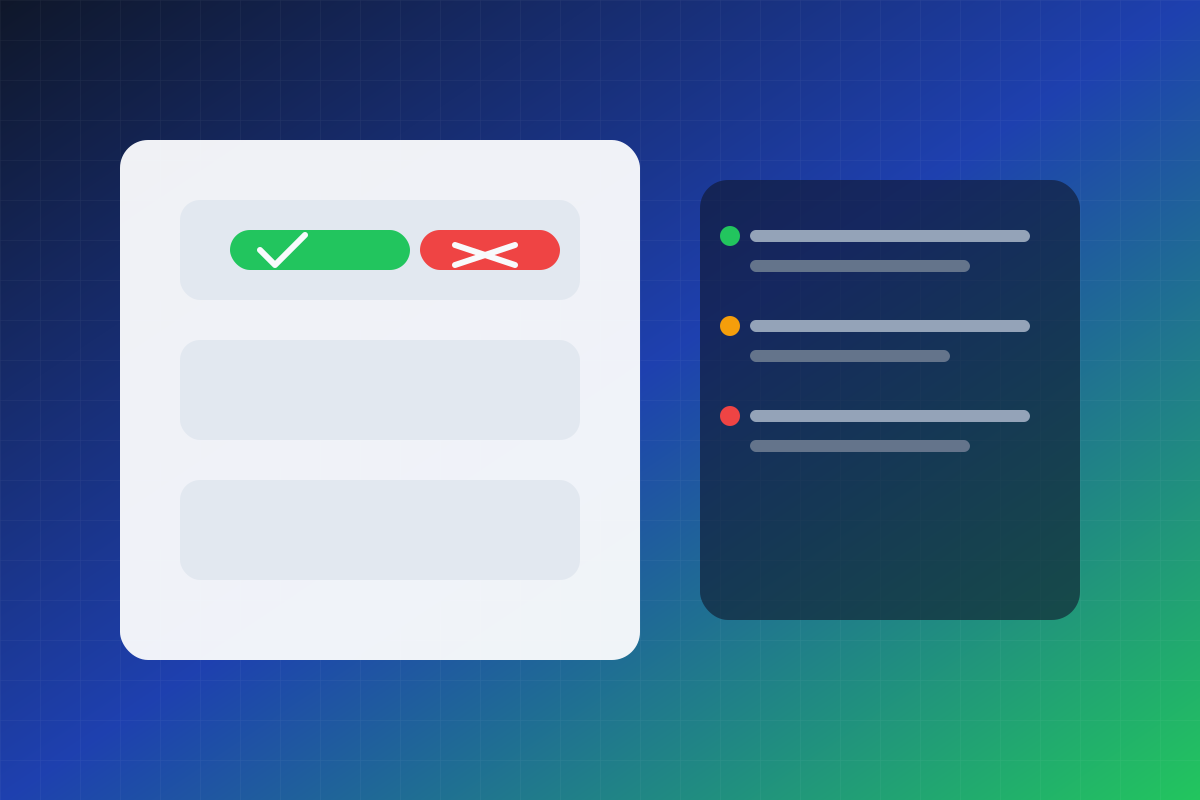
Approvals do not mean much if stock is not available. AWRA checks stock availability before approvals are finalized, preventing accidental over-allocation and protecting downstream sales and procurement workflows.
When stock is short, the system flags it instantly so teams can adjust quantities or reroute the request.
Protection
Block invalid approvals
Visibility
Highlight impacted items
Audit trails you can rely on
Every approval, rejection, and adjustment is logged with the user, time, and context. This creates a clean audit trail for internal controls, external audits, and compliance reporting.
Combined with role-based access, you can prove who made each decision without digging through spreadsheets or email chains.
For security posture and compliance coverage, visit the Security Overview.
Actor
User + role
Time
Timestamped
Context
Action details

Related resources
Help Center
Need a quick answer while you read?
Run inventory, procurement, assets, sales, and field work with approved AWRA guidance for setup, migration, integrations, security, pricing, and support.