
Webhook Events
Subscribe to eight events: stock transfer completed, invoice created, invoice paid, purchase order created, customer created, vendor created, item at its reorder point, and a workflow’s own webhook action.
API & Webhook Automation
AWRA API & Webhook Automation gives technical buyers a governed event layer for outbound webhooks, API access, signed payloads, retries, logs, idempotency, and integration observability across operational workflows.
Integration automation layer
Enterprise integrations succeed when data movement is visible, authenticated, retryable, scoped, and observable. AWRA helps teams connect operational events to ERP, accounting, POS, BI, middleware, vendor portals, and custom systems without turning every sync into a manual follow-up.
Subscribe to eight events: stock transfer completed, invoice created, invoice paid, purchase order created, customer created, vendor created, item at its reorder point, and a workflow’s own webhook action.
Use role-aware API keys, organization boundaries, endpoint permissions, and production access governance.
Every delivery carries X-Awra-Event, X-Awra-Timestamp, X-Awra-Delivery and an X-Awra-Signature: a sha256 HMAC over the timestamp and the exact body sent. Endpoints must be https.
A timeout, a 5xx or a rate limit is retried on the subscription’s own policy, the wait doubling each time up to an hour, at most eight attempts. A delivery that runs out is dead-lettered in the delivery log.
Delivery workflow
API and webhook automation should give developers confidence at each handoff: event capture, payload shape, signing, delivery, retry, consumer response, and audit trail.
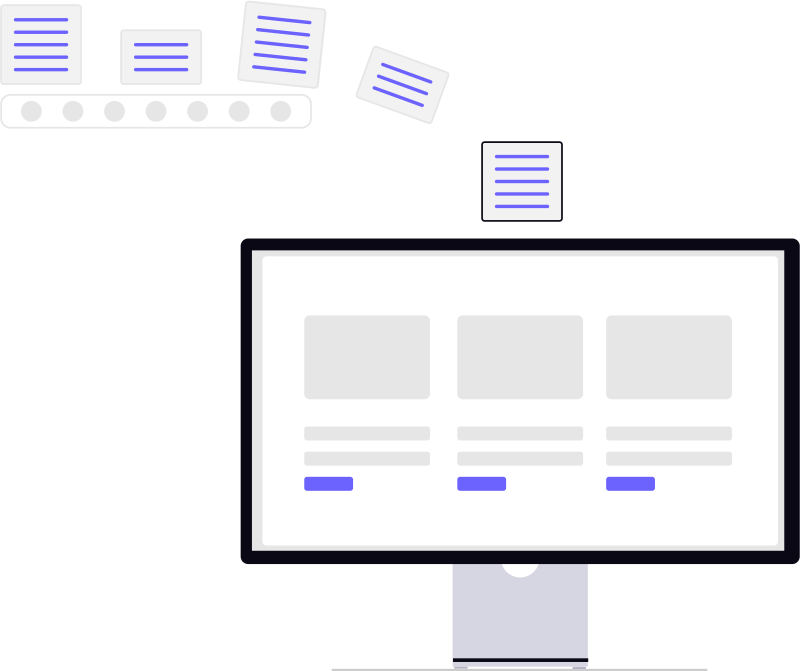
Raised where the record is written — a completed transfer, an invoice created or paid in full, a purchase order, customer or vendor created, an item reaching its reorder point — or sent by a workflow action. Nothing is announced for a save that rolls back.
An envelope with the event key, when it occurred and the record’s own fields, plus a delivery id your system can use to ignore a duplicate.
Sign with the subscription’s secret and POST to an https endpoint. Private, internal and loopback addresses are refused when the endpoint is saved and again at send; the address is pinned after it is checked, and redirects are not followed.
Capture status codes, latency, provider messages, error classes, and endpoint health trends.
Retry a timeout, a 5xx or a rate limit with doubling backoff on the subscription’s policy; record a rejection or the last failed attempt as dead-lettered, and replay a workflow’s failed delivery from its log.
Keep delivery logs, payload summaries, retry history, endpoint ownership, and event traceability for review.
Event coverage
Eight events can be subscribed to today, and each one is raised where the record is actually written — from the web, the API, imports and the mobile queue alike. Anything else reaches your endpoint through a workflow action, which sends the workflow.webhook event when its rule fires.
A stock transfer is completed, with the transfer as the body so an ERP bridge can post the movement.
A customer invoice is created, from the web, the API, an import, the mobile queue or a conversion.
A customer invoice is paid in full, so accounting middleware hears about settlement once.
A purchase order is created, for supplier middleware or a procurement dashboard.
A customer is added, to keep a CRM or a loyalty system in step.
A vendor is added, for a supplier master kept in another system.
An item falls to its reorder point, for a buyer’s tool or a replenishment feed.
Sent only by a workflow action that names the endpoint, so any rule you can build becomes an event your system receives.
Developer operations
Webhooks are not a fire-and-forget checkbox. AWRA positions integration as an operating discipline with endpoint ownership, retry behavior, event logs, consumer response tracking, and change governance.
Give technical and operations teams shared language for healthy automation.
Technical buyers want to know how the data moves, how failures surface, and how integrations are governed after launch. AWRA makes those signals visible to both developers and operators.

The best integration story is not only “connected.” It is observable, recoverable, and explainable.
Integration scenarios
AWRA supports teams that need the platform to coexist with ERP, accounting platforms, POS environments, data warehouses, middleware, and custom internal tools.
AWRA sends a signed order.shipped event with the transfer record and a delivery id the ERP bridge can use to ignore a duplicate.
invoice.paid fires once the invoice is paid in full; the delivery id, retries and the logged response let finance trust the integration.
item.low_stock carries the item record as it falls to its reorder point, and a workflow action can send anything more specific your stores need.
Scoped API access and event delivery help custom apps consume operational changes without broad database access.
Connected AWRA workflows
The value story connects API documentation, integration governance, webhook delivery, sync health, workflow exceptions, and reporting into one technical operating model.
Give developers endpoint patterns, authentication guidance, integration considerations, and implementation guardrails.
Monitor connector health, webhook configuration, sync status, retries, and integration operations.
Turn failed deliveries, rejected payloads, stale mappings, and retry exhaustion into owned recovery work.
Track accounting sync readiness, mapping issues, provider messages, retry behavior, and finance impact.
Position AWRA across accounting, BI, ERP, POS, payments, logistics, and custom operational systems.
Feed analytics with stable operational events, external source references, and integration health context.
Developer-ready automation
AWRA API & Webhook Automation helps technical teams connect ERP, accounting, POS, middleware, BI, and custom systems through governed events, signed payloads, retries, logs, and integration observability.
Help Center
Run inventory, procurement, assets, sales, and field work with approved AWRA guidance for setup, migration, integrations, security, pricing, and support.
