Scattered applications
One public link collects every applicant in a structured queue — not your inbox.
Turn supplier onboarding into a structured pipeline — apply → review → approve → vendor. Publish a no-login application link, let AI score and flag risk, then approve qualified suppliers straight into your vendor list.
No more vetting suppliers over scattered email and spreadsheets. Every applicant arrives with their details, compliance documents, and your own custom fields — reviewed in one place, with an advisory AI assessment and a clear, auditable decision trail. AI is advisory only; a human always makes the final call.
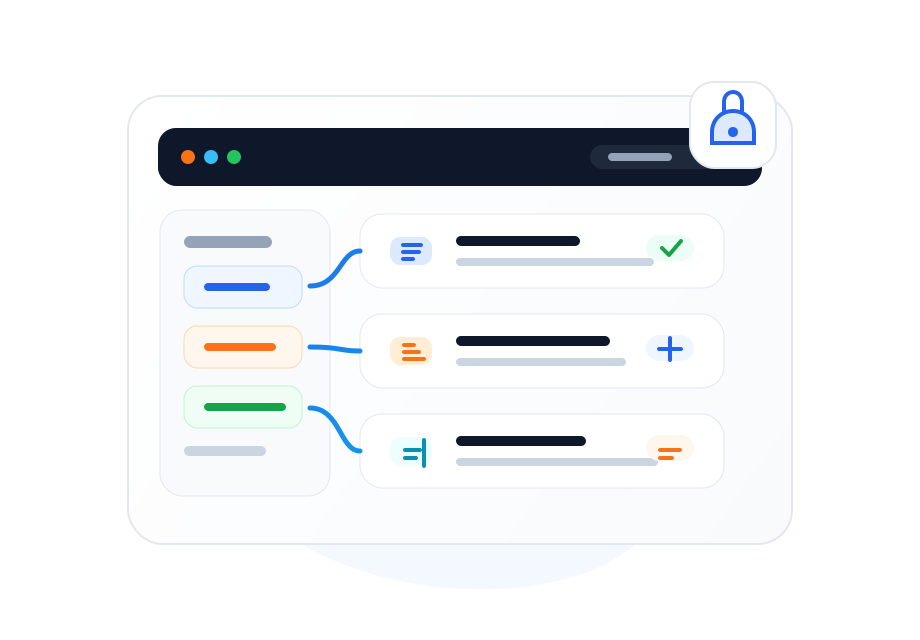
Most teams vet suppliers through email threads, attachments, and a spreadsheet that nobody trusts. Documents go missing, the same questions get asked twice, and there is no record of why a supplier was approved. Prequalification closes those gaps.
One public link collects every applicant in a structured queue — not your inbox.
Required documents and custom fields are captured up front, and risk flags surface what is missing.
Every score, request for info, approval, and re-qualification is recorded and reviewable.
Each business gets a public, organization-specific application link. Suppliers apply with no account; you review with full context and approve the right ones into vendors.
Share one no-login link. Suppliers submit company details, compliance documents, and any custom fields you define — with bot and spam protection built in.
Every application gets an advisory 0–100 suitability score with a short rationale and risk flags, based on the details, document completeness, and custom fields.
Rank applicants within a category, star your preferred picks, and choose the best one or several — without losing the rest.
Approval creates the vendor automatically and emails a set-password invite for the vendor portal — no double entry.
Approved suppliers stay qualified for a period you set and are flagged for re-qualification when it lapses, keeping your vendor list current.
Blacklist a supplier with a reason to deactivate them, exclude them from RFQs, and block re-applications.
Certificates and attachments are viewable in-app and archived to the secure Document Vault on approval — no downloads required.
Add the fields your industry needs — text, numbers, dates, dropdowns, even file uploads — and they show on the form and feed the AI assessment.
Admins are alerted on new and updated applications; suppliers get branded emails and a private tracking link.
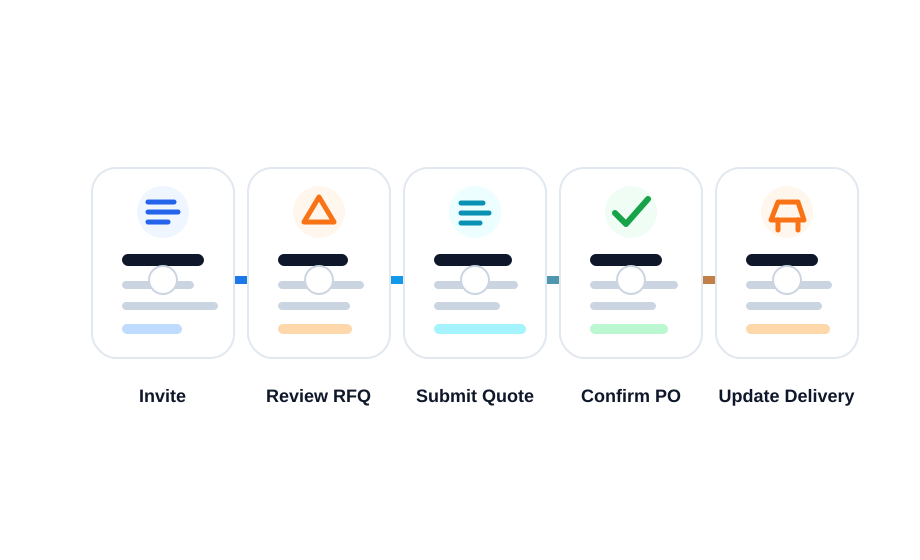
A supplier opens your public link and submits details, documents, and custom fields. They get a private tracking link — no account needed.
You see an AI suitability score, risk flags, documents in an in-app viewer, and can request more information or compare applicants by category.
Approve the best supplier(s). AWRA creates the vendor, archives documents to the vault, and emails a set-password invite.
Track qualification validity, re-qualify when it lapses, mark preferred vendors, and blacklist where needed.
The AI reads each application and writes a plain-language assessment — score, rationale, and risks — so reviewers start with a head start instead of a blank page. It never auto-approves; every decision is yours, and it carries through to vendor performance scorecards once approved.

Prequalification doesn't go stale. Each approved supplier carries a qualification validity window you configure; when it lapses, AWRA flags them for re-qualification and can deactivate the vendor so they drop out of new RFQs until reviewed again.
When a supplier no longer meets the bar, blacklist them with a reason — they're deactivated, excluded from RFQs, and blocked from re-applying through the public link. Preferred suppliers, meanwhile, are highlighted and float to the top when you source.
Standardise how new suppliers are vetted and approved.
Capture documents, score risk, and keep a defensible record.
Run fair, documented prequalification for many suppliers.
Onboard suppliers by category and keep the best ones preferred.
No. Suppliers apply through a public, no-login link and get a private tracking link to check status and update details. An account (vendor portal) is only created if you approve them.
No. The AI is advisory — it provides a suitability score, rationale, and risk flags to speed up review. A human always makes the approve/reject decision.
Yes. Define your own custom fields (text, number, date, dropdown, yes/no, file uploads). They appear on the public form and feed the AI assessment.
Each approval has a qualification validity window. When it expires, AWRA flags the supplier for re-qualification and can deactivate the vendor so they drop out of new RFQs until reviewed.
Yes. Applications and documents are private to your organization, served through signed links, viewable in-app, and archived to the secure Document Vault on approval.
We can walk your procurement team through the public application link, AI-assisted review, approval into vendors, and re-qualification.