
With single-purpose inventory apps
Tool sprawl
Inventory, buying, selling, and reporting each live in a different app.
With AWRA
Tool sprawl
One platform where the workflow continues without re-keying.
AWRA OpsHub vs single-purpose inventory apps
Single-purpose inventory apps do one job well. The trouble starts at the edges: a purchase that should update stock, a sale that should reduce it, an approval that should be recorded, a report that should reflect all of it. Each edge becomes an integration to maintain or a manual step to remember.
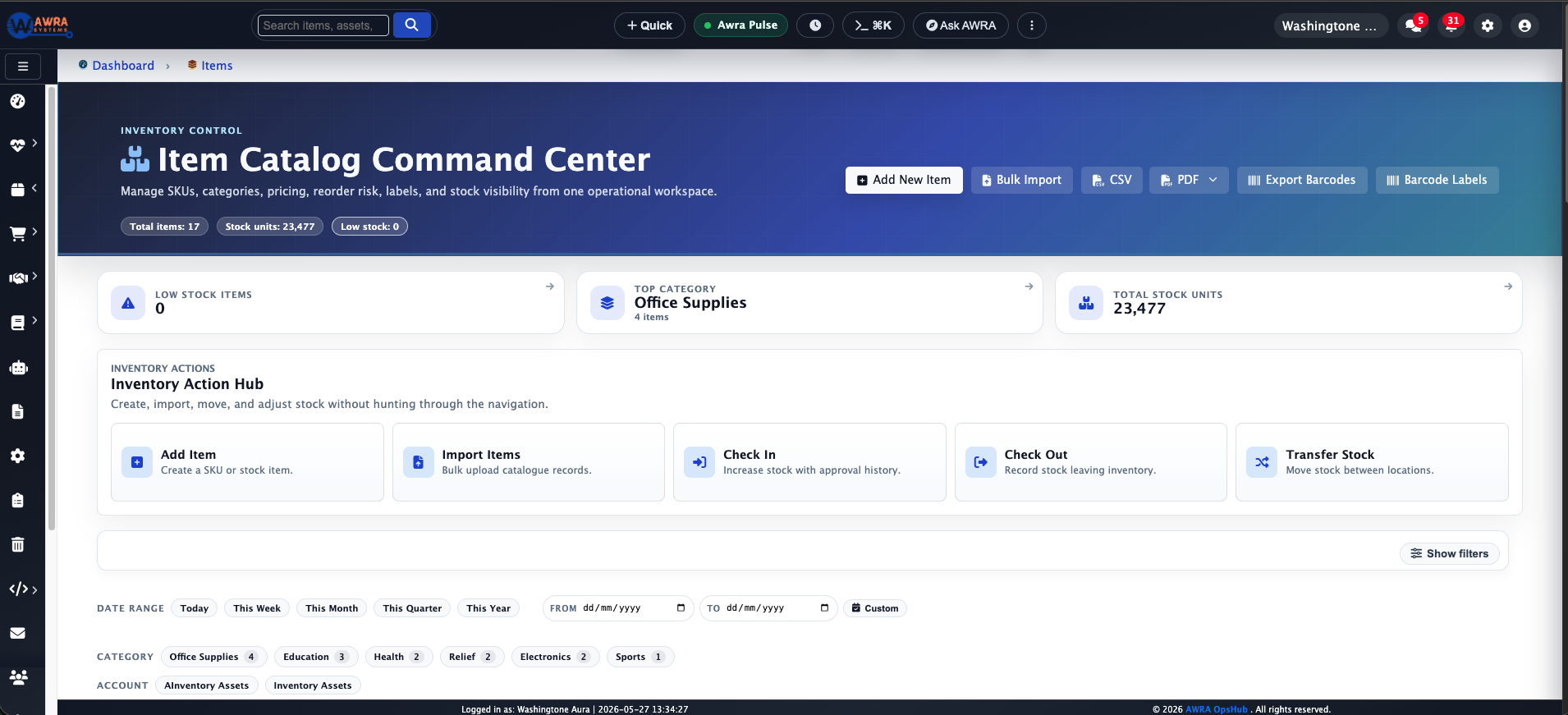
AWRA OpsHub treats inventory as one part of a connected operating system. Procurement, sales, POS, approvals, and reporting share the same records, so the workflow continues instead of jumping between tools that each hold a slightly different version of the truth.
The real issue
A dedicated inventory app handles stock well, then teams add separate tools for buying, selling, and reporting — and spend their time keeping those tools in sync.
The question is not whether your team can make single-purpose inventory apps work today. It is whether that approach keeps up when operations need control, accountability, and workflow continuity across more people, locations, and decisions.
Side-by-side comparison
Every row is rated fully supported, partial/add-on, or not designed for — including where single-purpose inventory apps are genuinely strong. This describes the category in general, not any single product.
Stock tracking is the core strength of a dedicated app.
Equally deep stock control, plus the workflows around it.
Requests, RFQs, and approvals typically need a separate tool.
Procurement runs natively and updates inventory directly.
Selling often depends on a connected but separate system.
Sales and POS share the same item, customer, and stock records.
Financial reconciliation usually happens elsewhere.
Operational records carry context toward accounting review.
Controls focus on stock, not cross-team approvals.
Approval paths span procurement, transfers, and sensitive actions.
Cross-workflow reporting means combining multiple tools.
A single picture across stock, buying, selling, and finance.
Many capture a delivery signature. Fewer tie the mark to the record's status, so it can often be added long after the fact, and fewer still take one at each end of a transfer.
One enforced window per mark, and two marks on a transfer — dispatch while pending, receipt while in transit, neither afterwards.
Workflow examples
Benefits are clearest at the level of real workflows rather than abstract feature lists. These are common pain points with single-purpose inventory apps and what a connected operating system does instead.
Inventory, buying, selling, and reporting each live in a different app.
One platform where the workflow continues without re-keying.
Syncs break quietly and someone has to notice and fix them.
Shared records mean fewer brittle integrations to babysit.
Buying decisions are approved outside the inventory tool.
Governed approvals are part of the same operating flow.
Leadership reports require exports from several systems.
Dashboards span the full operation from one source.
The hidden cost
Operational gaps rarely announce themselves. They show up as small delays, quiet mismatches, late approvals, repeated reconciliations, and reports that need explaining before anyone trusts them.
Those problems consume management time. A controller waits for supporting records. A buyer confirms a decision manually. A warehouse team checks several places before releasing stock. Leadership delays a call because the numbers do not match. The cost is paid in friction, every week.
AWRA OpsHub reduces the time your team spends proving what happened — not just by automating tasks, but by keeping the operational record connected from the start.

Migration path
You do not need to change everything overnight. A practical rollout starts with the workflow carrying the most risk, proves it in AWRA, then expands from there.
List every app the inventory system connects to and why.
Mark the integrations and manual steps that fail most often.
Move buying, selling, and reporting beside inventory in AWRA.
Drop the bolt-on tools the connected workflow no longer needs.
Common questions
If stock tracking is all you need, a dedicated app is fine. Teams switch when the cost moves to the edges — the buying, selling, finance, and reporting workflows that surround inventory and need to stay in sync with it.
Inventory is core to AWRA: item records, locations, movements, adjustments, transfers, and quality holds. The difference is that procurement, sales, POS, and reporting share those same records instead of integrating against them.
Keep going
More comparisons
Teams outgrow the workbook when approvals, audit trails, and live stock matter.
When finance is solid but operations still run on add-ons and manual updates.
When you need ERP-grade control without an ERP-grade implementation.
When the bundle is broad but the workflow still falls between the apps.
When flexible boards are doing the job a real operations system should.
When the platform can do anything, but every "anything" is a project.
Help Center
Run inventory, procurement, assets, sales, and field work with approved AWRA guidance for setup, migration, integrations, security, pricing, and support.