
With spreadsheets
Inventory
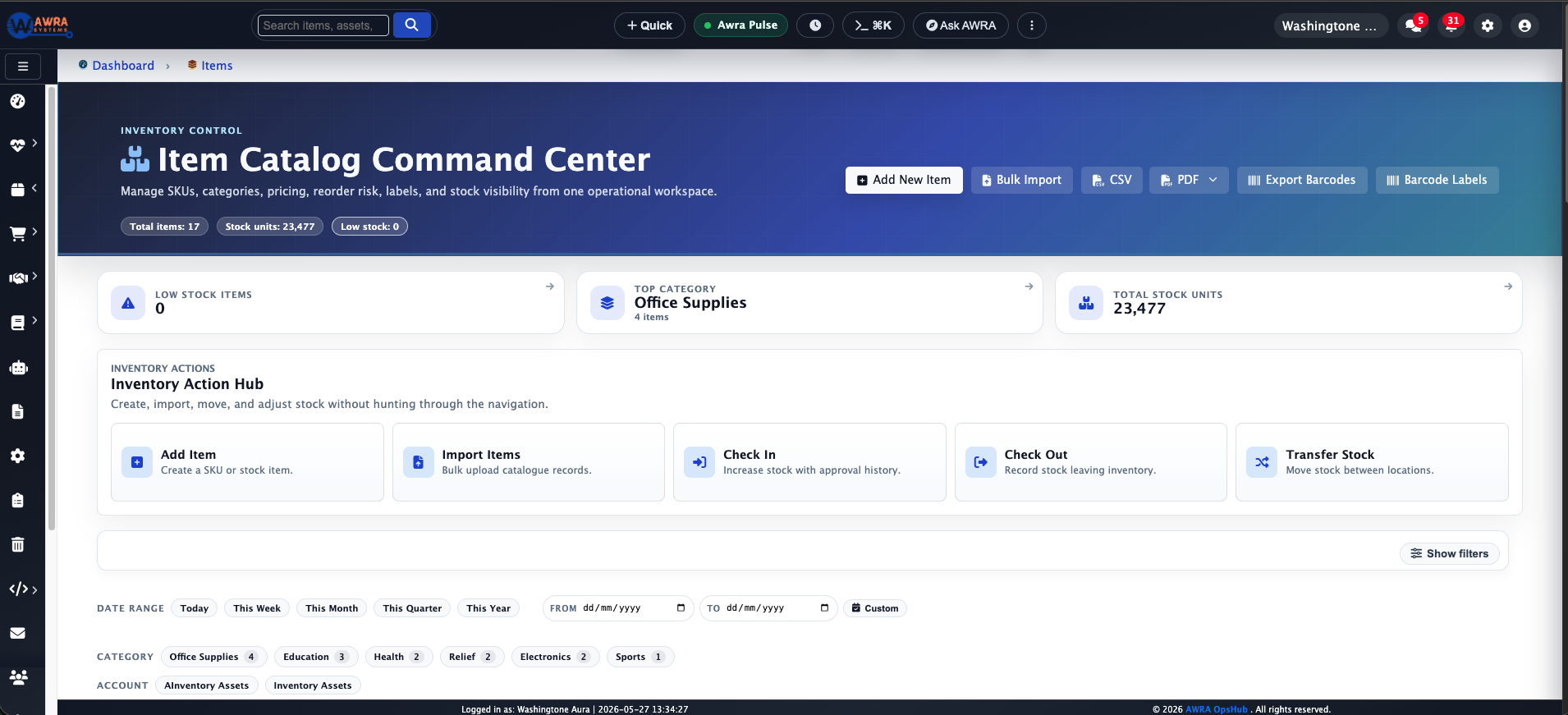
Multiple stock sheets, copied item names, and missing movement history.
With AWRA
Inventory
Centralize item records, locations, adjustments, and low-stock signals.
AWRA OpsHub vs spreadsheets
A spreadsheet helps one person organize work quickly. But operations are rarely one-person work: inventory involves warehouse staff, managers, procurement, finance, and sales. As soon as several people depend on the same workbook, the risk changes — someone edits the wrong cell, a formula breaks quietly, or a duplicate file becomes the "real" file.
We do not replace spreadsheets because they are bad. We replace the operational workload they were never meant to carry alone: controlled workflows, role-aware access, movement history, approvals, and reports that do not depend on one person maintaining the perfect file.
At a glance
Eight things a spreadsheet makes someone do by hand, and what does that job in AWRA instead.
| Spreadsheets | AWRA |
|---|---|
| Manual approvals | Approval workflows A request waits in the Approvals Hub for someone with the right to decide, and the decision is logged with who made it and when — not a comment or a highlighted cell. |
| Separate stock files | Central inventory One item list, with stock held per warehouse, per shelf and per batch, instead of a workbook per branch. |
| Supplier quotes in email | Structured RFQs One RFQ to several suppliers, quotes compared side by side, the award recorded with its reason and the losing quotes kept. |
| Manual stock reconciliation | Live stock movements Every check-in, check-out, transfer and adjustment moves the balance as it happens, and a count raises adjustments rather than overwriting the number. |
| Hard-to-track changes | Audit trail A hash-chained audit log records who did what and when, and can be filtered, exported and verified for tampering. |
| Manual reporting | Live reports Dashboards and scheduled reports read from the workflows themselves, so nobody rebuilds a summary tab on Friday. |
| Difficult multi-location control | Multi-location operations Branches, warehouses and the transfers between them in one workspace, with stock readable for one location or all. |
| Offline paper processes | Offline mobile workflows The mobile app records check-ins, transfers, counts, POS sales and signatures with no signal, and syncs when it reconnects. |
The real issue
Spreadsheets are excellent calculators and a great way to start. They become fragile the moment several teams depend on the same file for inventory, buying, sales, and reporting.
The question is not whether your team can make spreadsheets work today. It is whether that approach keeps up when operations need control, accountability, and workflow continuity across more people, locations, and decisions.
Side-by-side comparison
Every row is rated fully supported, partial/add-on, or not designed for — including where spreadsheets are genuinely strong. This describes the category in general, not any single product.
Manual counts, formulas, and version control let stock records drift.
Live item records, movements, adjustments, and locations stay connected.
Requests, quotes, and approvals scatter across tabs, email, and chat.
Requests, RFQs, vendors, approvals, and POs stay in one governed flow.
Availability disconnects from sales unless someone updates sheets constantly.
Sales and POS stay tied to inventory and downstream reporting.
Approvals are informal: a comment, a message, or a highlighted cell.
Approval paths attach to sensitive actions with clear responsibility.
Anyone with edit access can change formulas, records, or history.
Roles separate daily actions, review duties, and admin controls.
Reports depend on clean formulas and the one person who knows the file.
Dashboards read from live workflows, not hand-maintained tabs.
Complexity rises sharply with more users, locations, and products.
Built for growing teams that need connected operations and control.
A sheet cannot take a signature at a loading bay, and a paper note signed at the gate and filed later is not attached to anything.
A signature with the signer's printed name and the time, taken on a phone with no signal, stored on the movement and printed on the note.
A shared sheet has no first-response clock, no owner and no escalation when a row goes stale.
Tickets with SLA clocks by category and priority — elapsed or business hours that skip weekends and public holidays — department routing, escalation, a knowledge base that suggests answers, CSAT and a resolution signature, on the same records as the rest of the platform.
A workbook holds the numbers but cannot rank what is urgent or route an approval — somebody has to go and look.
A nine-lane Control Tower ranked by severity, an Approvals Hub fed by fifteen record types, seven alert rules and a pricing radar.
A payroll workbook exists in almost every office. Leave balances, attendance and contracts live in three more files, and nothing reconciles them to each other.
Employees, contracts, leave, rosters, attendance and payroll as one record, with statutory deductions calculated and the payout landing in the same Payments Register as everything else.
A task list in a sheet is real work tracking. What it cannot do is tie an hour or a purchase back to the budget the work was approved on.
Projects with tasks, dependencies, Gantt planning and sprint boards — and time and spend posted against the project budget rather than reconstructed from it.
Workflow examples
Benefits are clearest at the level of real workflows rather than abstract feature lists. These are common pain points with spreadsheets and what a connected operating system does instead.
Multiple stock sheets, copied item names, and missing movement history.
Centralize item records, locations, adjustments, and low-stock signals.
RFQs, quotes, and approvals spread across email, folders, and tabs.
Move requests, suppliers, quotes, and POs into one connected flow.
Teams rely on stale workbook copies before confirming availability.
Keep transactions close to live inventory and reporting.
Invoices, payments, and stock movements need manual reconciliation.
Give finance cleaner operational context before review.
The hidden cost
Operational gaps rarely announce themselves. They show up as small delays, quiet mismatches, late approvals, repeated reconciliations, and reports that need explaining before anyone trusts them.
Those problems consume management time. A controller waits for supporting records. A buyer confirms a decision manually. A warehouse team checks several places before releasing stock. Leadership delays a call because the numbers do not match. The cost is paid in friction, every week.
AWRA OpsHub reduces the time your team spends proving what happened — not just by automating tasks, but by keeping the operational record connected from the start.
Migration path
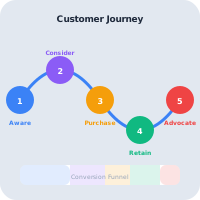
You do not need to change everything overnight. A practical rollout starts with the workflow carrying the most risk, proves it in AWRA, then expands from there.
Identify the workbook driving inventory, buying, finance, or leadership reports.
Separate operators, reviewers, finance, and administrators before migrating.
Move a single live workflow into AWRA and compare approval and audit clarity.
Keep spreadsheets as backup references, then phase them out as AWRA becomes the source of truth.
Migration
You do not need to throw everything away. Most teams keep something they already run and connect it, rather than replacing it on day one.
Import items, suppliers, customers, assets and your chart of accounts.
More we can add
Opening ledger balances by upload. The template is already in the product, and switching the upload on for your workspace is work we can take on.
Keep QuickBooks for the books. Let AWRA run the operational workflow in front of it.
More we can add
Supplier bills and credit notes sent to QuickBooks, and records pulled back from it — both are extensions we can build for your workspace.
Run AWRA beside the system you have, connected through its API and webhooks.
More we can add
Write access on the API, so another system can create records in AWRA directly rather than through a webhook-triggered workflow.
Common questions
No. We recommend a gradual move — keep spreadsheets where they are still useful for analysis and modelling, and stop using them as the source of truth for workflows that need ownership, approvals, and audit trails.
If one person owns the file, the workflow is simple, and mistakes are low-risk, a spreadsheet may be enough. Once multiple teams depend on the same records or approvals happen outside the file, it has likely outgrown its role.
Yes. Items with opening stock, suppliers, customers, assets, warehouses, locations and the chart of accounts upload from CSV or Excel templates, and each file is imported whole or rolled back whole. Opening stock lands in your default location, and a count at each branch places it where it actually sits.
Train by role rather than by module. A storekeeper needs check-in, check-out and counts, usually on the phone; an approver needs the Approvals Hub. Most people use three or four screens, not the whole system.
The mobile app queues check-ins, check-outs, transfers, counts, POS sales and approvals on the device and sends them when the signal returns — which is often what a paper process was standing in for.
Keep going
More comparisons
When finance is solid but operations still run on add-ons and manual updates.
When stock is handled but every neighbouring workflow is a separate app.
When you need ERP-grade control without an ERP-grade implementation.
When the bundle is broad but the workflow still falls between the apps.
When flexible boards are doing the job a real operations system should.
When the platform can do anything, but every "anything" is a project.
Help Center
Run inventory, procurement, assets, sales, and field work with approved AWRA guidance for setup, migration, integrations, security, pricing, and support.
