
Ask AwraIQ about features, pricing, onboarding, login, integrations, security, demos, mobile apps, automation, reports, or support.
All industry pages
Program accountability
Track supplies, procurement, and field operations with donor-ready evidence.
NGOs use AWRA to manage program supplies, field requests, procurement approvals, transfers, and reporting across locations.
Procurement software for NGOs
The problem
Donors ask for evidence that most NGOs hold in five places: the procurement file, the stores ledger, the email thread, the field office and somebody’s memory.
Field requests by message
A field office asks for supplies on WhatsApp, and the approval is a reply that says ok.
Procurement evidence assembled late
Quotes, awards and receipts are gathered into a folder when the audit is announced.
Programme stock nobody can account for
Supplies leave the central store and the field office never confirms what arrived.
How AWRA solves it
What NGOs & Field Programs teams get.
Field offices raise tickets through a self-service portal without needing a login, and each one carries an SLA, an owner and a satisfaction rating at the end.
Route every procurement request, RFQ and stock adjustment through one Approvals Hub, with each decision in the audit log.
Improve accountability for stock, procurement, approvals, and field-office movement.
Keep program teams and finance aligned on requests, spend, and availability.
Prepare cleaner operational evidence for audits, donors, and leadership reviews.
Run programme-staff payroll with PAYE, NSSF, SHIF and the housing levy handled, and allocate the cost to the grant that funds the post.
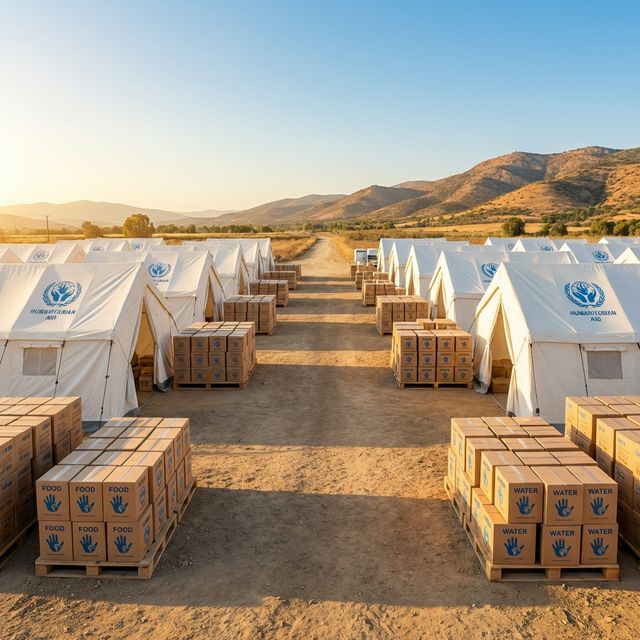
Program operations
Track resources across programs, warehouses, and field offices.
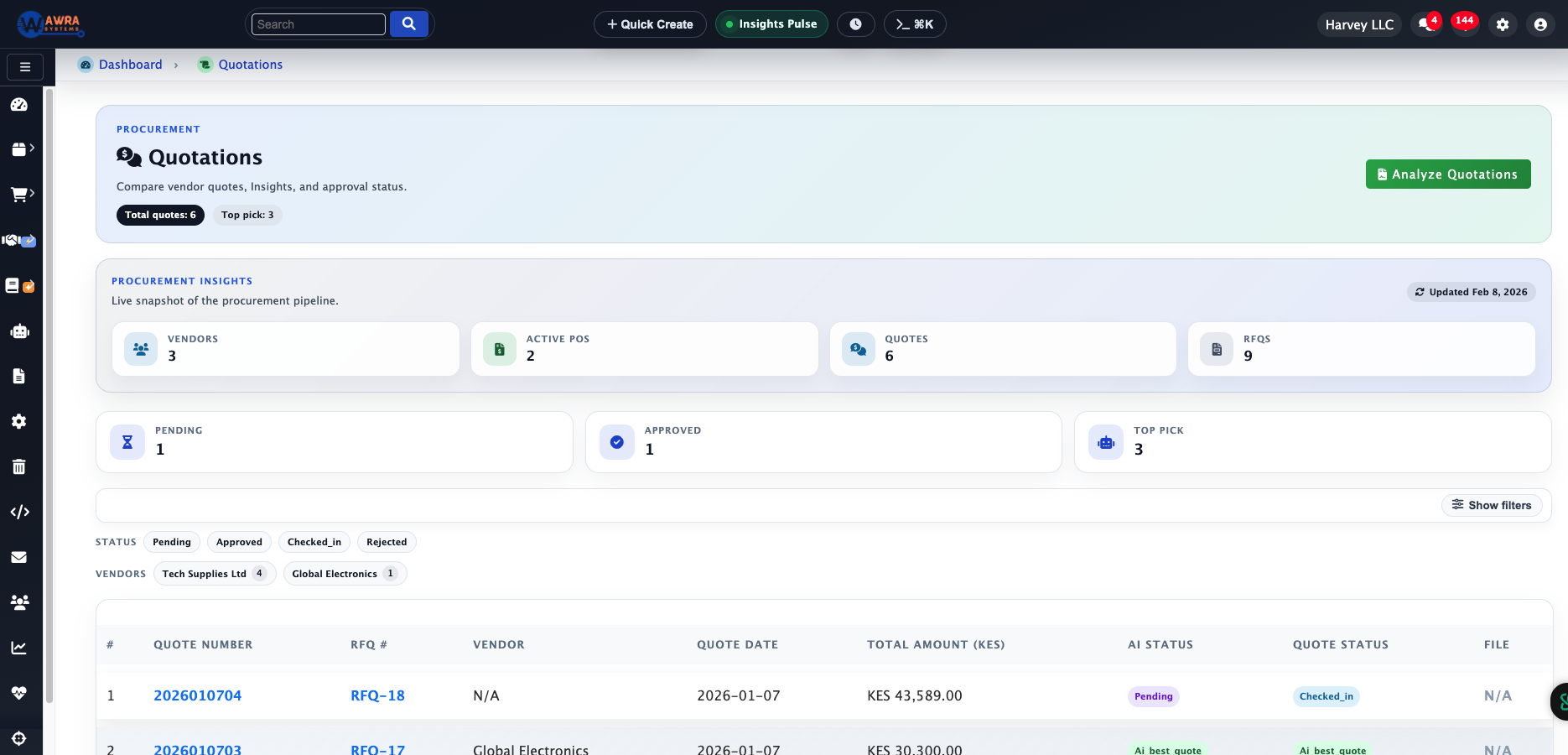
Quotation evidence
Keep supplier comparisons attached to procurement decisions.
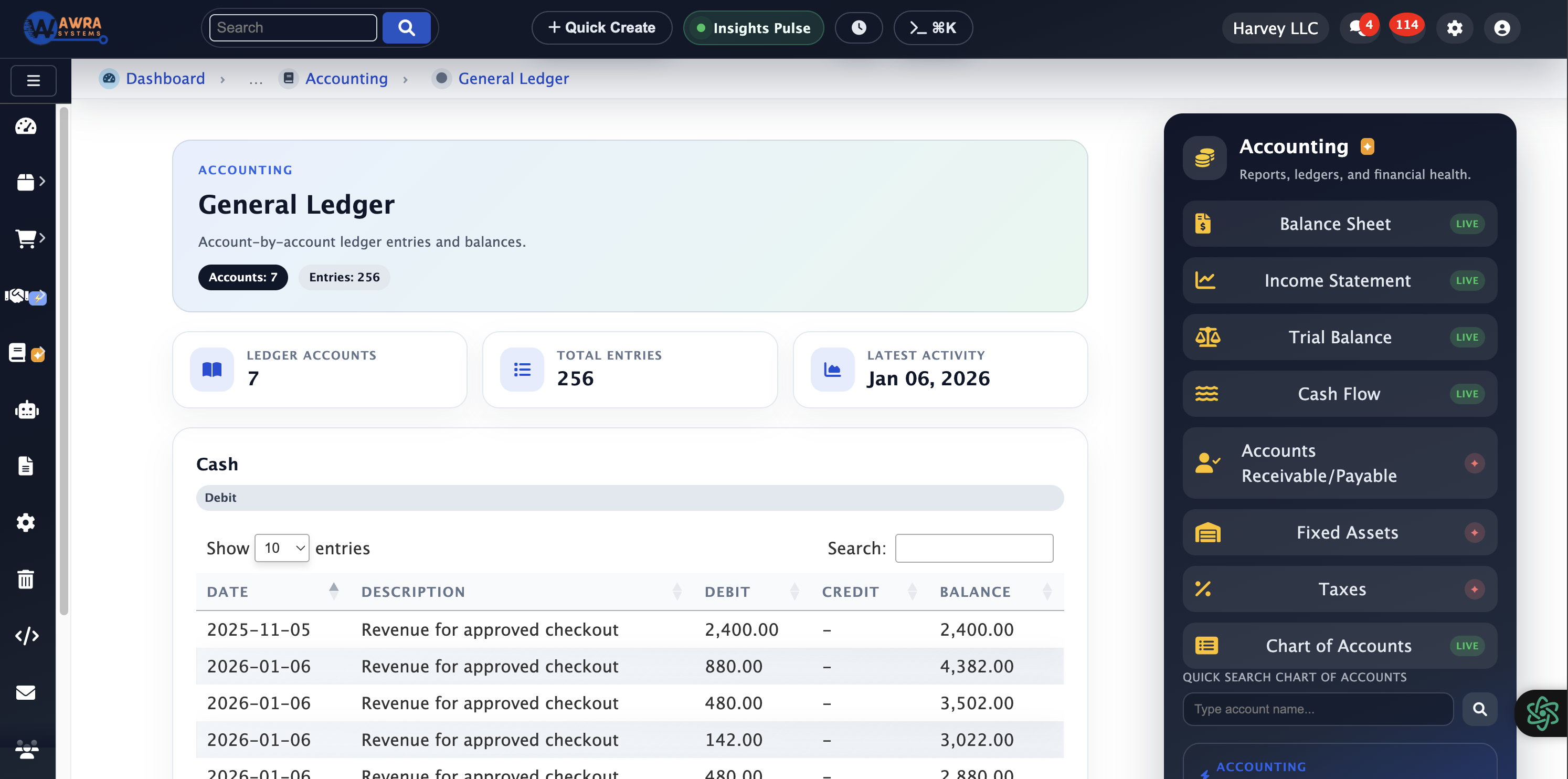
Reporting visibility
Connect operating activity to management and finance review.
Typical workflow
The routines AWRA runs for NGOs & Field Programs.
Field request intake
- 1 Capture program and location
- 2 Attach quantity and justification
- 3 Route to an approver in the Approvals Hub
- 4 Convert approved request to procurement or issue-out
Program stock movement
- 1 Assign stock to program/location
- 2 Dispatch transfer
- 3 Receive in field office
- 4 Report consumption or variance
Donor-ready review
- 1 Export procurement evidence
- 2 Review stock history
- 3 Check approval compliance
- 4 Summarize program consumption
Modules used
What a ngos & field programs workspace runs on.
Procurement Automation Requests, RFQs and awards kept as one evidence trail See the module Stock Transfers & Approvals Supplies dispatched and signed for at the field office See the module Inventory Management Programme stock by location and project See the module HR & Payroll Programme-staff payroll allocated to the grant See the module
Example organisation
A health NGO with four field offices
An illustrative profile, not a named customer
Where they are today
A Nairobi warehouse supplying four county offices, two donor grants, and a procurement file per purchase kept in a shared drive.
Where they would start
They would start with the central warehouse and field-office transfers, then move procurement onto AWRA before the next donor report.
What changes after implementation
Before and after, in the routines you already run.
| Before | After |
|---|---|
| Approvals as message replies | Approvals recorded against the request in the Approvals Hub |
| Procurement file assembled for the audit | Request, quotes, award and order linked as they happen |
| Field receipt unconfirmed | Transfers signed for at both ends, even offline |
| Grant spend reconstructed | Spend and payroll allocated as they are recorded |
How the rollout goes
1
Start with programs, locations, item categories, requester roles, and approval thresholds.
2
Use field-office rollout waves so each location validates stock balances before go-live.
3
Document procurement and issue-out policies inside the help center for repeatable adoption.
What you can measure afterwards
Program stock coverage
Approval compliance
Spend by program
Transfer completion
Variance rate
Pricing
What it costs for NGOs & Field Programs
Inventory and transfers are fully on Basic. Full procurement, payroll and workflow automation are on Pro, which is where most NGOs land.
Pro plan · Run on automation
KES 5,800 / month
or KES 63,800 billed yearly
Full procurement, sales, accounting and HR (employees, leave, attendance & payroll) plus workflow automation and reporting.
Before you pay anything
30-day free trial
Thirty days of the full platform, every module switched on and no card required. Choose a paid tier whenever you are ready.
See it on your process
Walk through a ngos & field programs workspace with us.
Bring the spreadsheet or the paper form you want to retire. We will show you the first workflow in AWRA with your own items, people and locations.
Questions
What NGOs & Field Programs buyers ask.
Can AWRA produce procurement evidence for donors?
The request, the RFQ, every quotation, the award reason and the purchase order stay linked on one record, so the evidence for a purchase exists the day it happens rather than being assembled for the audit.
How do approvals work for field requests?
A request waits in the Approvals Hub for someone holding the approve permission, and the decision is logged with who and when. Routing a large request to a second approver by its value is something we can add for your workspace.
Does it work in field offices with poor connectivity?
Yes. The mobile app queues transfers, receipts, counts and signatures on the device and syncs them when the signal returns.
Can payroll be charged to a grant?
Programme-staff payroll runs with Kenyan statutory deductions handled, and the cost can be allocated to the grant that funds the post.
Customer story
Speak to someone who runs it.
We publish a named story only with that organisation’s consent. Ask us and we will put you in touch with a ngos & field programs reference you can telephone, rather than a quote you cannot check.
Ask for a referenceNext-best links
Keep the evaluation moving.
Guides, pricing and support surfaces most relevant to NGOs & Field Programs.
Related industries
Compare adjacent operating models.
Retail
AWRA OpsHub connects POS, stock movement, replenishment, cash sessions, and branch reporting for retail operators.
Healthcare
Healthcare teams use AWRA to monitor critical consumables, control purchasing, receive supplies, and report availability by location.
FMCG Distribution
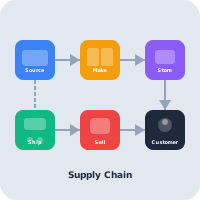
AWRA helps FMCG distributors manage item velocity, warehouse stock, vendor lead times, branch replenishment, and sales performance.
Help Center
Need a quick answer while you read?
Run inventory, procurement, assets, sales, and field work with approved AWRA guidance for setup, migration, integrations, security, pricing, and support.