
Ask AwraIQ about features, pricing, onboarding, login, integrations, security, demos, mobile apps, automation, reports, or support.
All industry pages
Departmental control
Bring stores, procurement, departments, and finance into one routine.
Schools use AWRA to manage supplies, departmental requests, vendors, purchasing, stores, and finance reporting.
Inventory software for schools
The problem
A school store issues to every department, buys from dozens of suppliers and answers to a board — usually from a ledger book and a spreadsheet the bursar keeps.
Requests in the corridor
A department head asks for supplies in passing, and the issue-out is written in a book.
No view of consumption
Nobody can say which department used what last term, so next term is bought by habit.
Supplier spend scattered
Quotes, orders and invoices sit in different files when the board asks about spend.
How AWRA solves it
What Schools & Institutions teams get.
Staff and parent requests arrive as tracked tickets on a business-hours SLA clock, so a Friday afternoon request does not breach over the weekend.
Clear procurement approvals, leave requests and stock write-offs from one Approvals Hub during term.
Reduce informal requests and missing procurement context.
Give stores teams better visibility into consumption and replenishment.
Help administrators review spend, suppliers, approvals, and stock movement.
Hold teaching and support contracts, leave balances and payroll in the same workspace as the stores and the procurement file.

School stores
Track supplies across departments, stores, and operating teams.
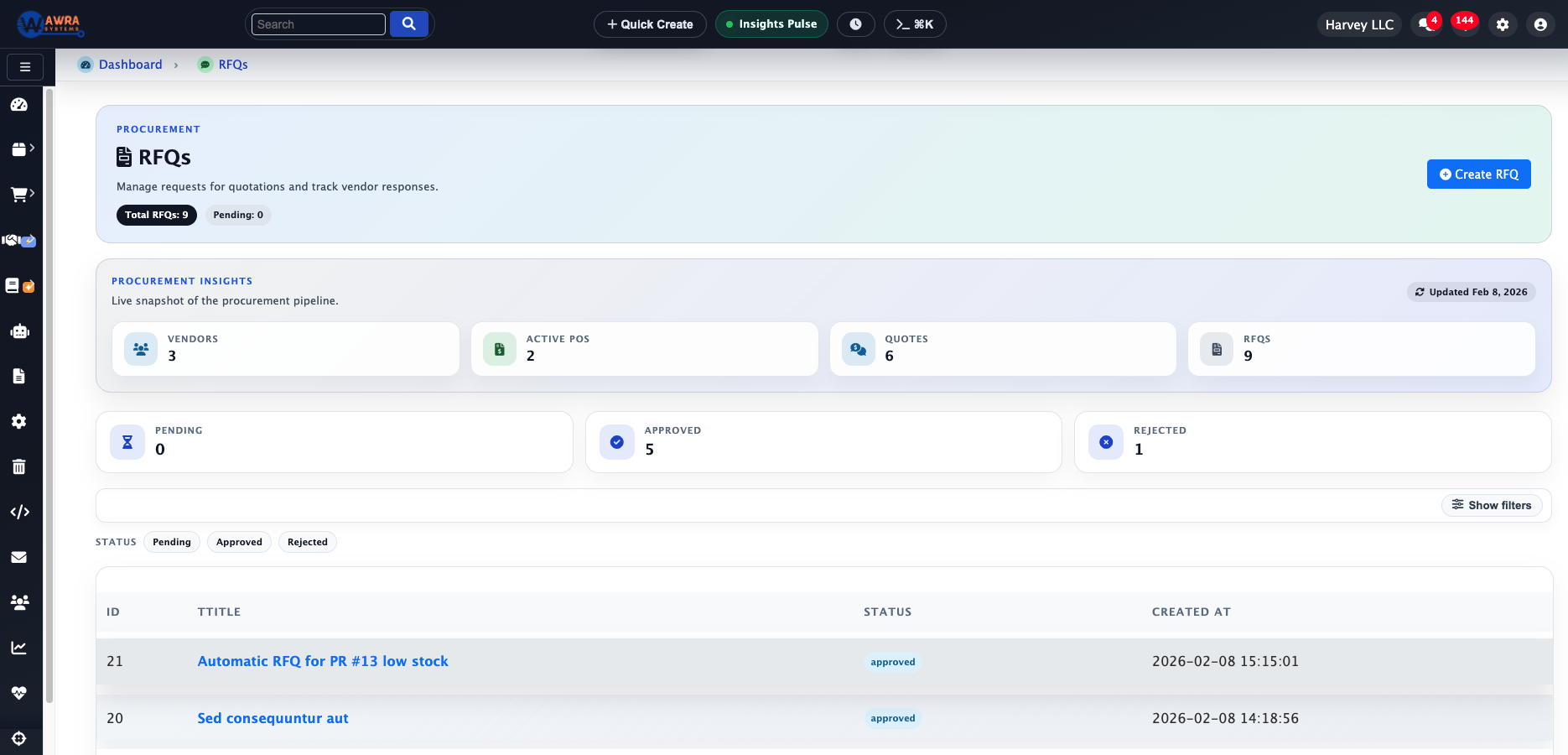
Procurement requests
Standardize requests before quotes and approvals.
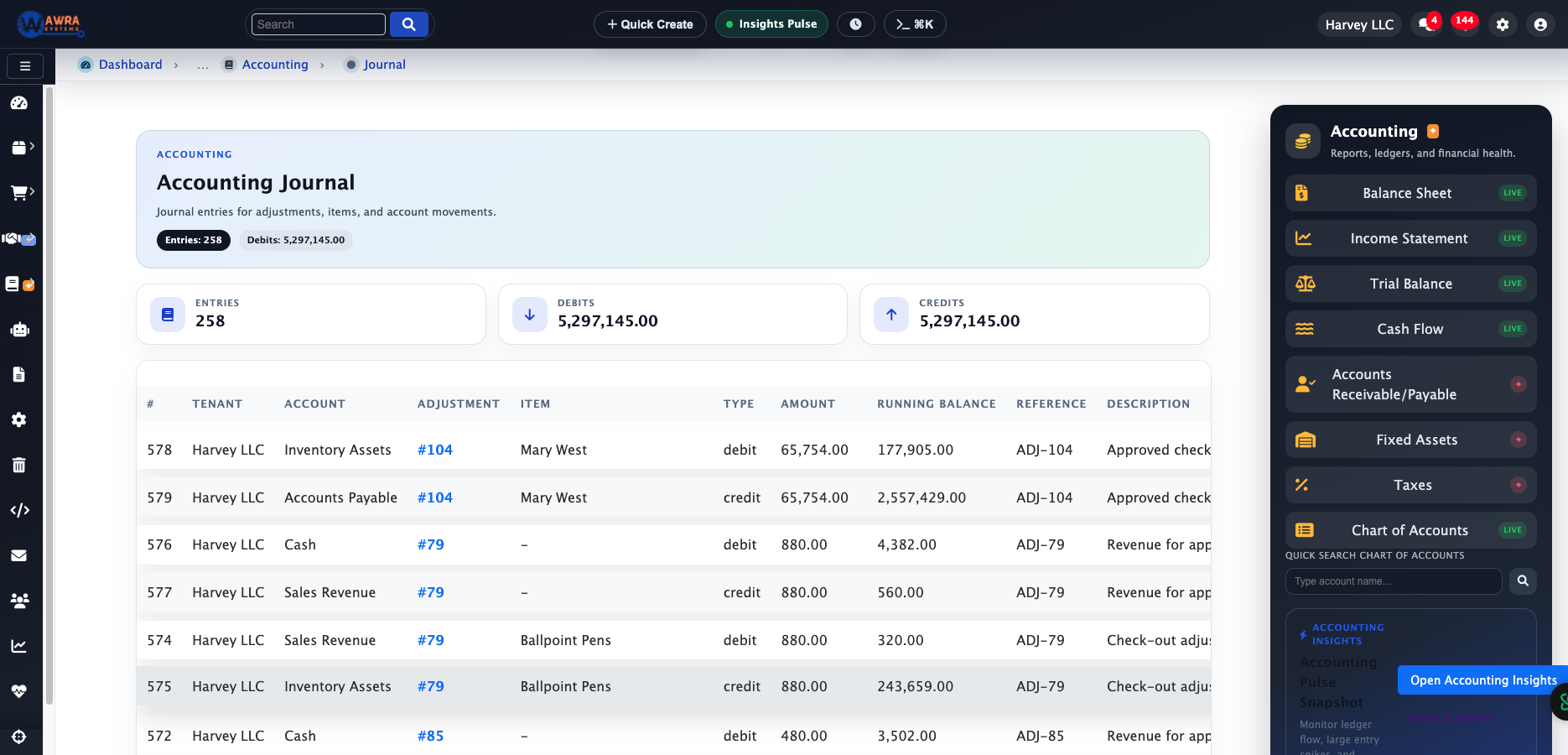
Finance review
Keep purchase, receipt, and reporting context together.
Typical workflow
The routines AWRA runs for Schools & Institutions.
Department request flow
- 1 Submit supply request
- 2 Capture urgency and department
- 3 Approve in the Approvals Hub
- 4 Issue from stores or initiate purchase
Stores replenishment
- 1 Monitor low-stock supplies
- 2 Review consumption by department
- 3 Create purchase request
- 4 Receive and update stock
Termly operations review
- 1 Analyze supplier spend
- 2 Review issue-out patterns
- 3 Check approval cycle time
- 4 Plan next-term purchases
Modules used
What a schools & institutions workspace runs on.
Inventory Management Stores stock with issue-out by department See the module Procurement Automation Department requests through to purchase orders See the module Reports & BI Studio Termly consumption and supplier spend reports See the module HR & Payroll Teaching and support staff contracts, leave and payroll See the module
Example organisation
A boarding secondary school
An illustrative profile, not a named customer
Where they are today
About 900 students, a main store and a kitchen store, eight departments, and a bursar running purchasing from a ledger and a spreadsheet.
Where they would start
They would start with the main store and department issue-outs for one term, then bring purchasing onto AWRA once consumption is visible.
What changes after implementation
Before and after, in the routines you already run.
| Before | After |
|---|---|
| Issue-outs in a ledger book | Issue-outs recorded by department as they happen |
| Next term bought by habit | Purchases planned from last term’s consumption |
| Requests in the corridor | Department requests with a reason, waiting for an approver |
| Spend gathered for the board | Supplier spend reported from the purchase orders |
How the rollout goes
1
Create departments, stores locations, item groups, supplier lists, and budget approval roles first.
2
Pilot with stores and finance before opening request workflows to every department.
3
Use simple help center articles for staff request training and approver expectations.
What you can measure afterwards
Department consumption
Request cycle time
Low-stock events
Supplier spend
Approval backlog
Pricing
What it costs for Schools & Institutions
Stores inventory is fully on Basic. Full procurement and payroll — which most schools want by the second term — are on Pro.
Pro plan · Run on automation
KES 5,800 / month
or KES 63,800 billed yearly
Full procurement, sales, accounting and HR (employees, leave, attendance & payroll) plus workflow automation and reporting.
Before you pay anything
30-day free trial
Thirty days of the full platform, every module switched on and no card required. Choose a paid tier whenever you are ready.
See it on your process
Walk through a schools & institutions workspace with us.
Bring the spreadsheet or the paper form you want to retire. We will show you the first workflow in AWRA with your own items, people and locations.
Questions
What Schools & Institutions buyers ask.
Can departments request supplies themselves?
Yes. Staff raise a request with the department, quantity and reason, and it waits for an approver. Once approved it is issued from stores or turned into a purchase.
Can we see consumption by department?
Yes. Every issue-out is recorded against its department, so consumption by department and by term is a report rather than a reconstruction.
Can we run staff payroll in AWRA?
Yes. Employees, contracts, leave and payroll — with Kenyan statutory deductions — sit in the same workspace as the stores and the procurement file.
Is it hard for staff to learn?
Most staff only raise requests, which is one screen. Train by role: the storekeeper, the approvers and the bursar each learn the few screens they use.
Customer story
Speak to someone who runs it.
We publish a named story only with that organisation’s consent. Ask us and we will put you in touch with a schools & institutions reference you can telephone, rather than a quote you cannot check.
Ask for a referenceNext-best links
Keep the evaluation moving.
Guides, pricing and support surfaces most relevant to Schools & Institutions.
Related industries
Compare adjacent operating models.
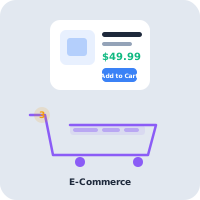
Retail
AWRA OpsHub connects POS, stock movement, replenishment, cash sessions, and branch reporting for retail operators.
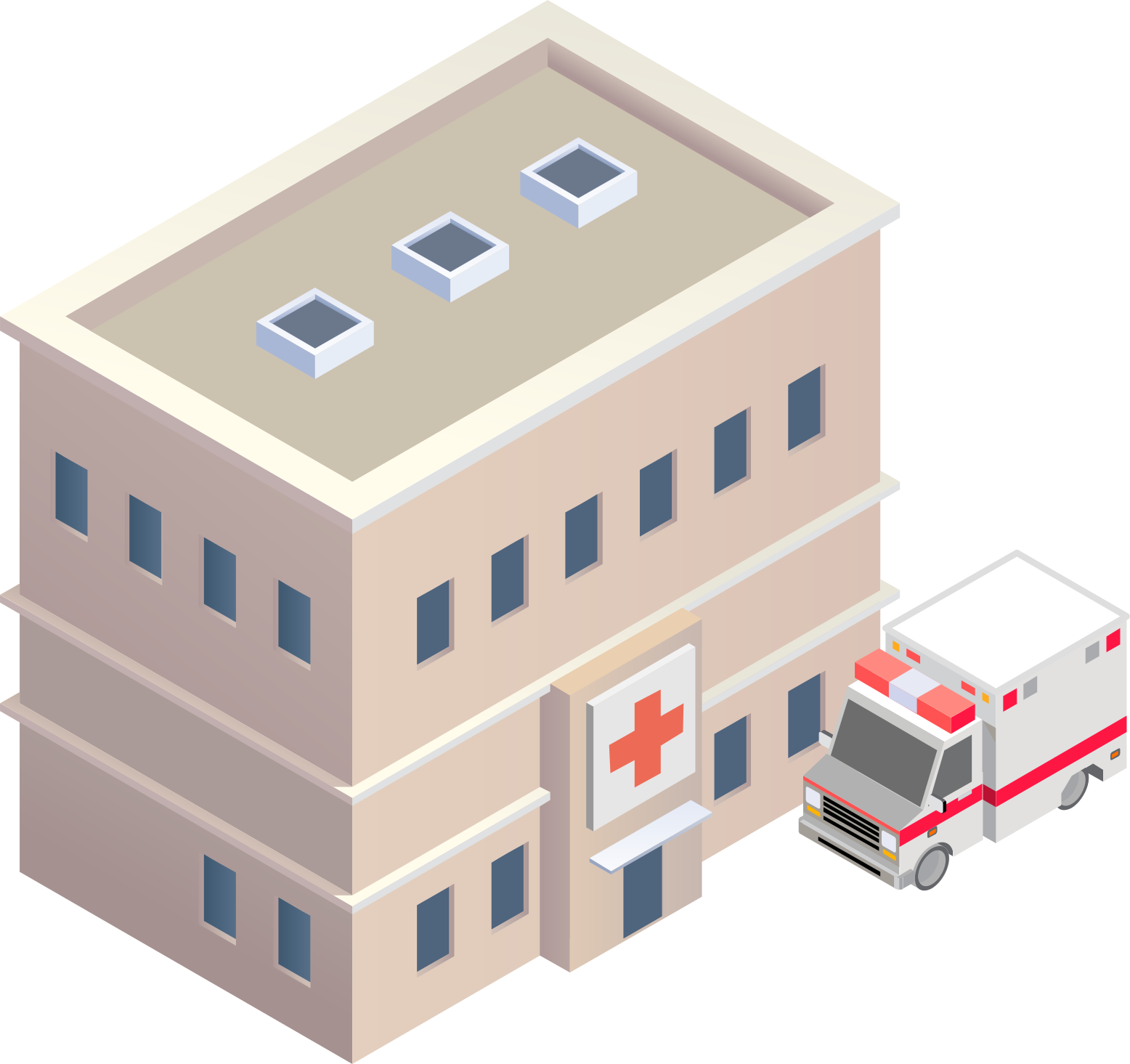
Healthcare
Healthcare teams use AWRA to monitor critical consumables, control purchasing, receive supplies, and report availability by location.
FMCG Distribution
AWRA helps FMCG distributors manage item velocity, warehouse stock, vendor lead times, branch replenishment, and sales performance.
Help Center
Need a quick answer while you read?
Run inventory, procurement, assets, sales, and field work with approved AWRA guidance for setup, migration, integrations, security, pricing, and support.