
Ask AwraIQ about features, pricing, onboarding, login, integrations, security, demos, mobile apps, automation, reports, or support.
All industry pages
Location-aware execution
Control receiving, slotting, transfers, and variance at warehouse speed.
Warehouse and logistics teams use AWRA for receiving, location control, transfers, cycle counts, scanner workflows, and approvals.
Inventory software for warehouses
The problem
A warehouse runs on locations, and a spreadsheet does not know what a location is. Stock is somewhere in the building, and finding it is somebody’s memory.
Receiving against nothing
A delivery is unloaded and counted, but not checked against the order it belongs to.
Stock without a shelf
The system says the warehouse has it; nobody can say which aisle.
Counts that never close
Variances are found and argued about, and the correction is typed over the number.
How AWRA solves it
What Logistics & Warehousing teams get.
Yard and fleet issues raised from a phone as tickets, routed to the right department queue with first-response and resolution timers running.
Scan a code in Scan & Act and reach the item, asset, transfer or purchase order behind it without hunting for a screen.
Reduce stock movement ambiguity across receiving, storage, dispatch, and transfer.
Give teams scanner-ready workflows for faster item and document lookup.
Control adjustments and variances without slowing warehouse execution.
Plan shifts against inbound and outbound volume, and pay the hours the gate recorded rather than the hours someone remembered.
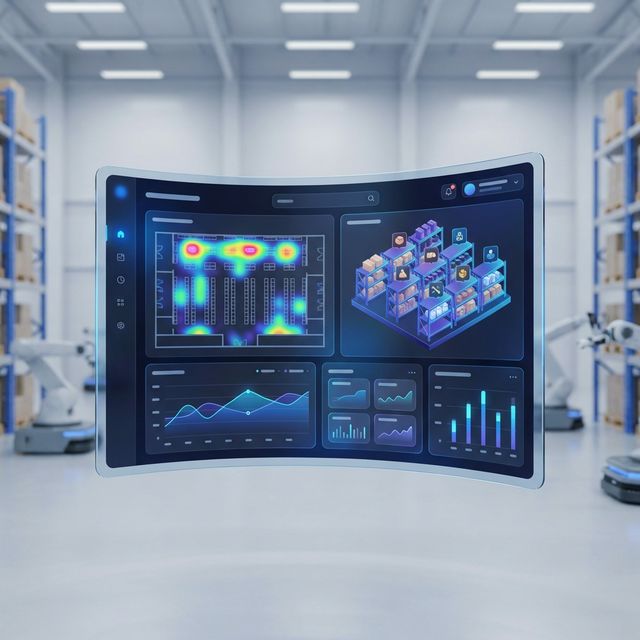
Warehouse operations
Structure stock by warehouse, location, and movement stage.
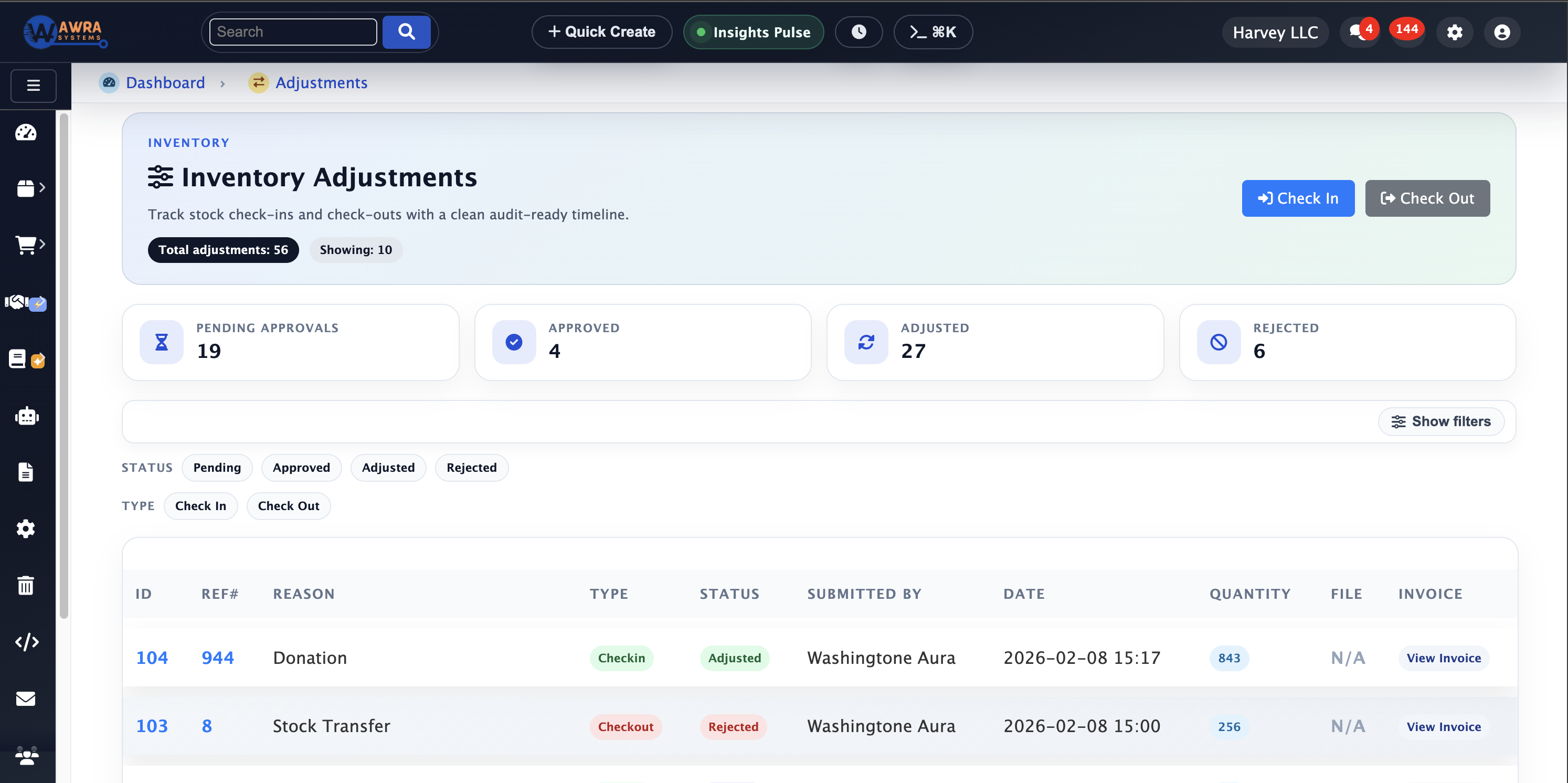
Variance control
Approve adjustments with reason codes and audit history.
Location throughput
Review movement pressure by location and workflow.
Typical workflow
The routines AWRA runs for Logistics & Warehousing.
Inbound receiving
- 1 Match delivery to PO
- 2 Capture quantity differences
- 3 Assign storage location
- 4 Notify procurement or finance of exceptions
Transfer lifecycle
- 1 Create transfer request
- 2 Approve and dispatch
- 3 Track in-transit stock
- 4 Receive, return, or flag shrinkage
Cycle count resolution
- 1 Schedule count areas
- 2 Capture variance
- 3 Route adjustment approval
- 4 Update stock and audit trail
Modules used
What a logistics & warehousing workspace runs on.
Warehouse Management Stock held per warehouse and shelf location See the module Stock Transfers & Approvals Dispatch, in-transit, receipt and return See the module Cycle Counts Cycle counts that raise adjustments for approval See the module Mobile & Offline Operations Scanning and receiving on the phone, offline See the module
Example organisation
A third-party warehouse operator
An illustrative profile, not a named customer
Where they are today
Two sites, a few hundred bin locations, and receiving recorded on paper then keyed in at the end of the day.
Where they would start
They would start with warehouses and bin locations, run an opening count, and put receiving on the phone first.
What changes after implementation
Before and after, in the routines you already run.
| Before | After |
|---|---|
| Receiving keyed in at end of day | Receiving on the phone at the dock, against the order |
| Stock somewhere in the building | Stock held per shelf location |
| Count corrections typed over | Variances raised as adjustments with an approver |
| Transfers signed on paper | Transfers signed for on a phone at both ends |
How the rollout goes
1
Define warehouses, bins, item categories, transfer reasons, receiving rules, and adjustment approval limits.
2
Introduce scanner workflows after item codes and warehouse locations are clean enough to trust.
3
Use transfer aging and variance reports as the first warehouse operating scorecard.
What you can measure afterwards
Receiving variance
Transfer aging
Location accuracy
Cycle count variance
Dispatch readiness
Pricing
What it costs for Logistics & Warehousing
Warehouses, shelf locations, transfers, counts and barcodes are fully on Basic. Order tracking and quality checks on receipt are on Pro.
Basic plan · Get organised
KES 2,500 / month
or KES 27,500 billed yearly
Source-of-truth inventory and day-to-day operations for a small, hands-on team — now with core people, projects and a support desk.
Before you pay anything
30-day free trial
Thirty days of the full platform, every module switched on and no card required. Choose a paid tier whenever you are ready.
See it on your process
Walk through a logistics & warehousing workspace with us.
Bring the spreadsheet or the paper form you want to retire. We will show you the first workflow in AWRA with your own items, people and locations.
Questions
What Logistics & Warehousing buyers ask.
Can we track stock to the shelf?
Yes. Stock is held per warehouse and per bin or shelf location, and per batch where you track them.
How are count variances handled?
A count never overwrites stock. Variances become adjustments that wait for approval, with a reason and a reference, in the adjustments register.
Can we scan barcodes?
Yes. Print barcode or QR labels, scan to find an item or a transfer, and scan during receiving and counts on the mobile app.
Does receiving work without signal?
The mobile app queues check-ins, transfers and count lines offline and sends them when the connection returns.
Customer story
Speak to someone who runs it.
We publish a named story only with that organisation’s consent. Ask us and we will put you in touch with a logistics & warehousing reference you can telephone, rather than a quote you cannot check.
Ask for a referenceNext-best links
Keep the evaluation moving.
Guides, pricing and support surfaces most relevant to Logistics & Warehousing.
Related industries
Compare adjacent operating models.
Retail
AWRA OpsHub connects POS, stock movement, replenishment, cash sessions, and branch reporting for retail operators.
Healthcare
Healthcare teams use AWRA to monitor critical consumables, control purchasing, receive supplies, and report availability by location.
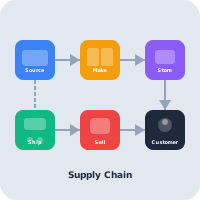
FMCG Distribution
AWRA helps FMCG distributors manage item velocity, warehouse stock, vendor lead times, branch replenishment, and sales performance.
Help Center
Need a quick answer while you read?
Run inventory, procurement, assets, sales, and field work with approved AWRA guidance for setup, migration, integrations, security, pricing, and support.